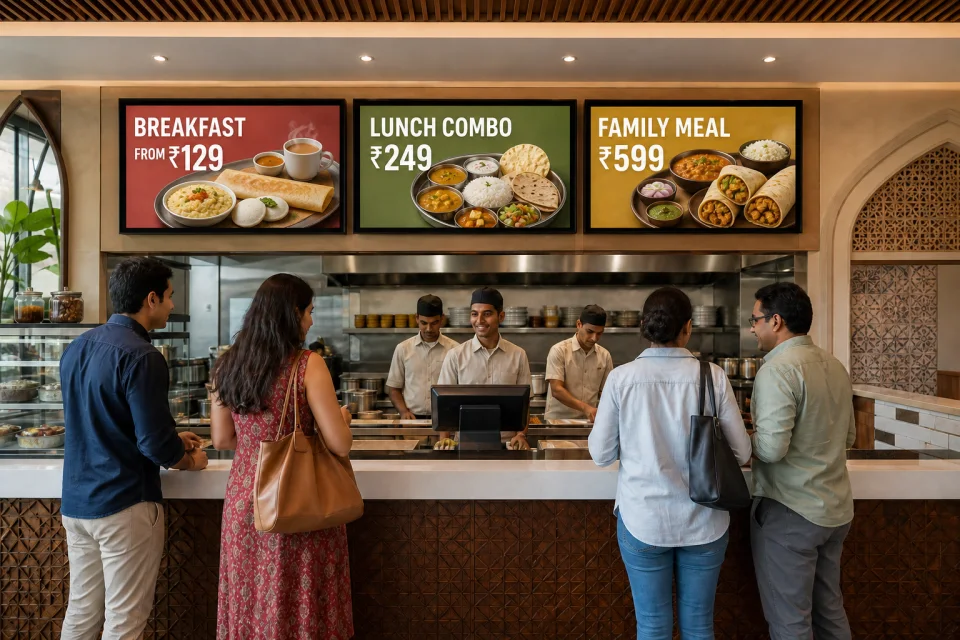
Restaurants
Manage menu visuals, promotional loops, counter displays, and compatible Android kiosk devices from one content workflow built for single outlets and growing Indian chains.
Learn more

Built for Indian business environments
Choose the category closest to your operation. Each page connects relevant screen placements and workflows to the same aiAdFlux foundation: plan, publish, monitor, verify, and learn.
Complete solutions directory
Open the industry page closest to your environment. Each destination explains relevant content, screen zones, rollout priorities, AI vision boundaries, and buyer questions for India.
Manage menu visuals, promotional loops, counter displays, and compatible Android kiosk devices from one content workflow built for single outlets and growing Indian chains.
Learn more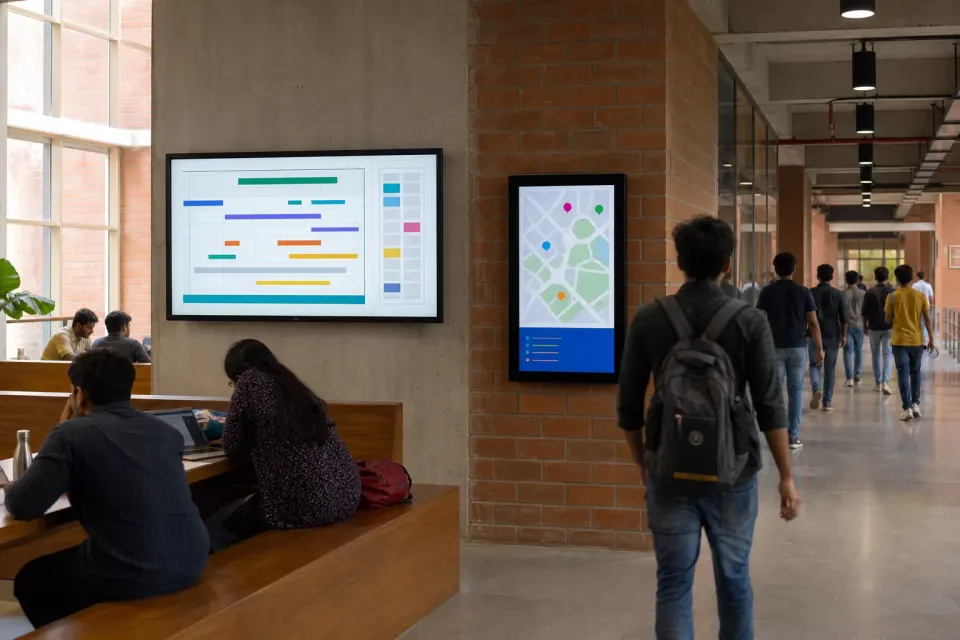
Coordinate admissions updates, event calendars, achievements, department notices, and approved guidance across a school, college, university, or multi-campus education group.
Learn more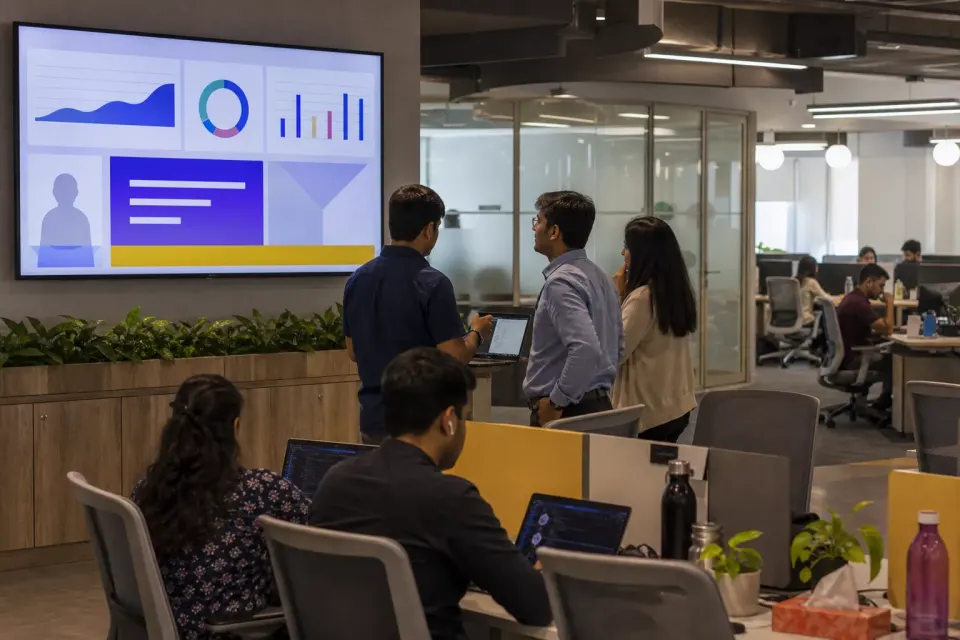
Give communication and people teams a governed screen channel for leadership updates, culture campaigns, recognition, learning, and business priorities across locations.
Learn more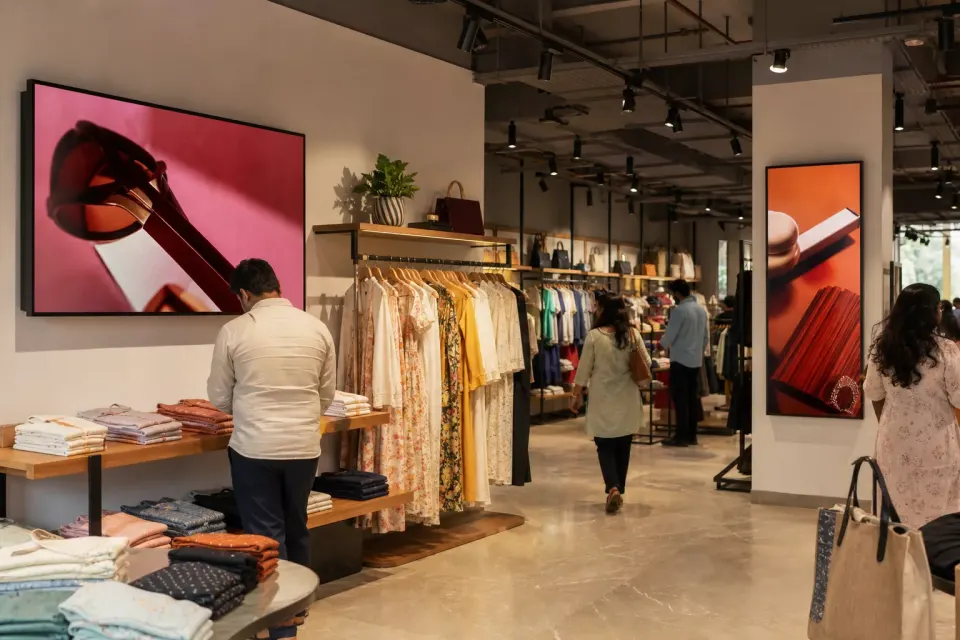
Build approved product stories once, target the right store groups, schedule every offer window, and see whether media reached the screens selected for the campaign.
Learn more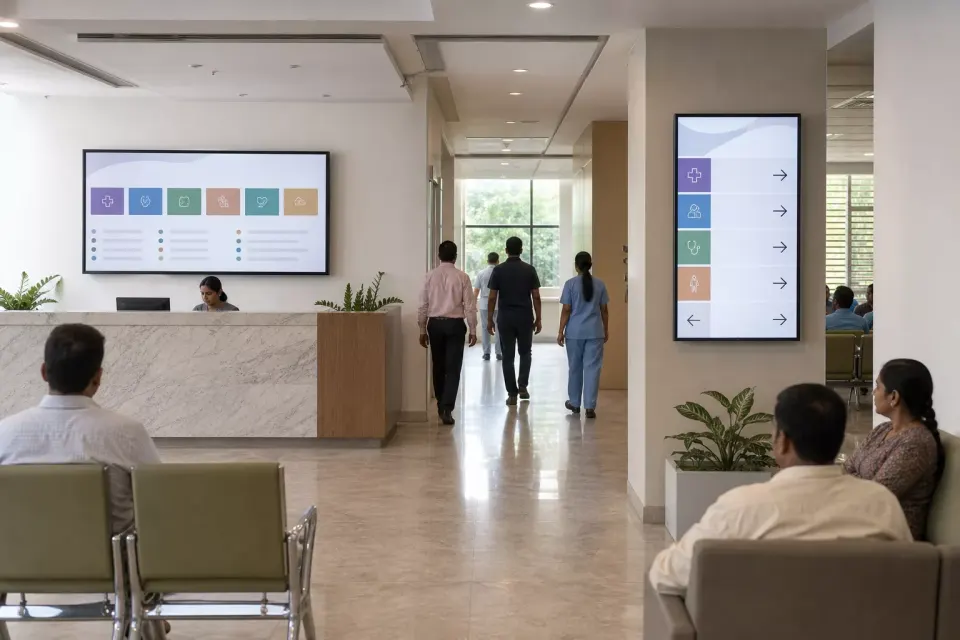
Coordinate approved wayfinding, service education, visitor guidance, public-health messages, and staff-facing content across departments without treating signage as a clinical system.
Learn more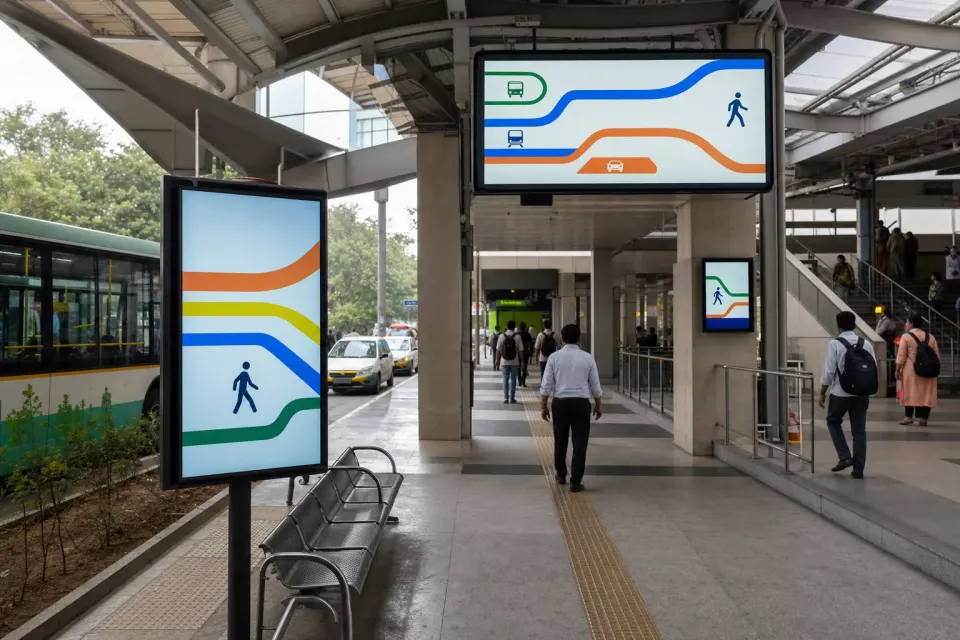
Coordinate approved passenger guidance, service notices, local campaigns, and commercial media across terminals and interchanges while retaining clear control over each screen group.
Learn more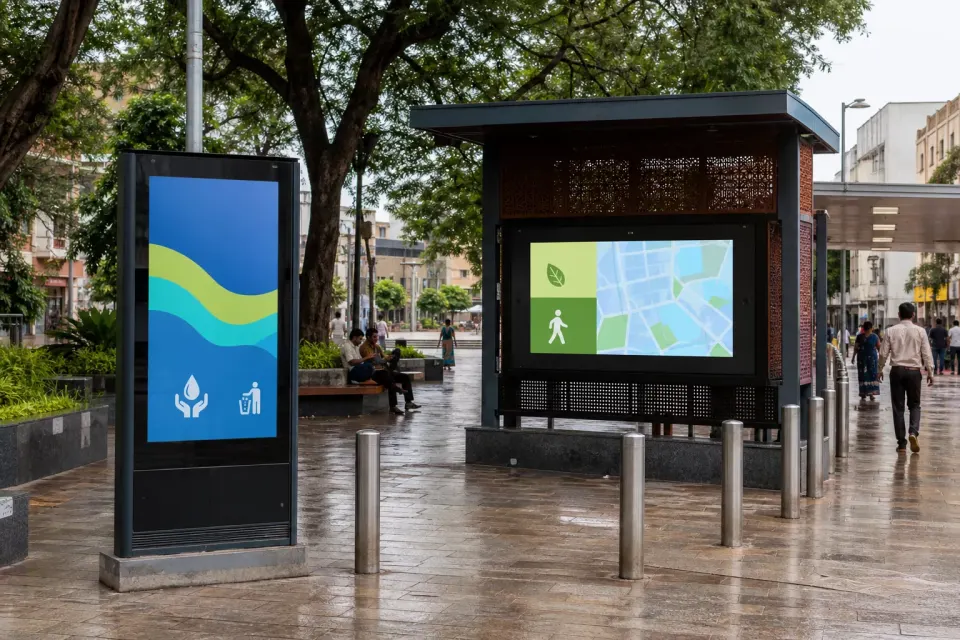
Plan approved public-interest campaigns across corridors, plazas, parks, and community spaces while giving municipal teams clear visibility into screen groups, schedules, and playback.
Learn more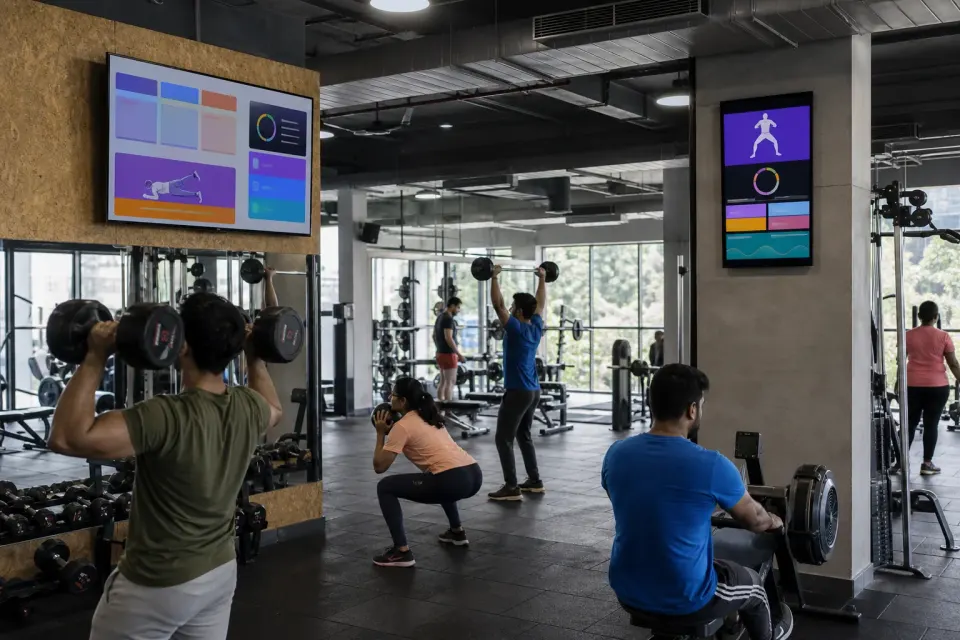
Schedule class information, coaching reminders, membership campaigns, and branded media across receptions, studios, workout floors, and refreshment areas.
Learn more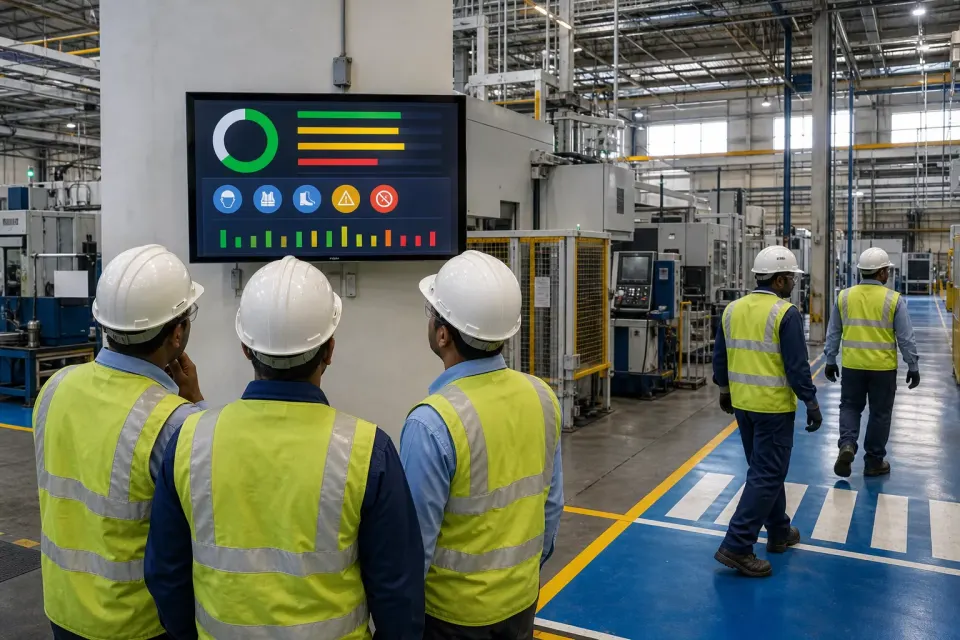
Publish approved shift notices, quality themes, training reminders, visitor information, and company updates across plants while keeping safety controls in their certified systems.
Learn more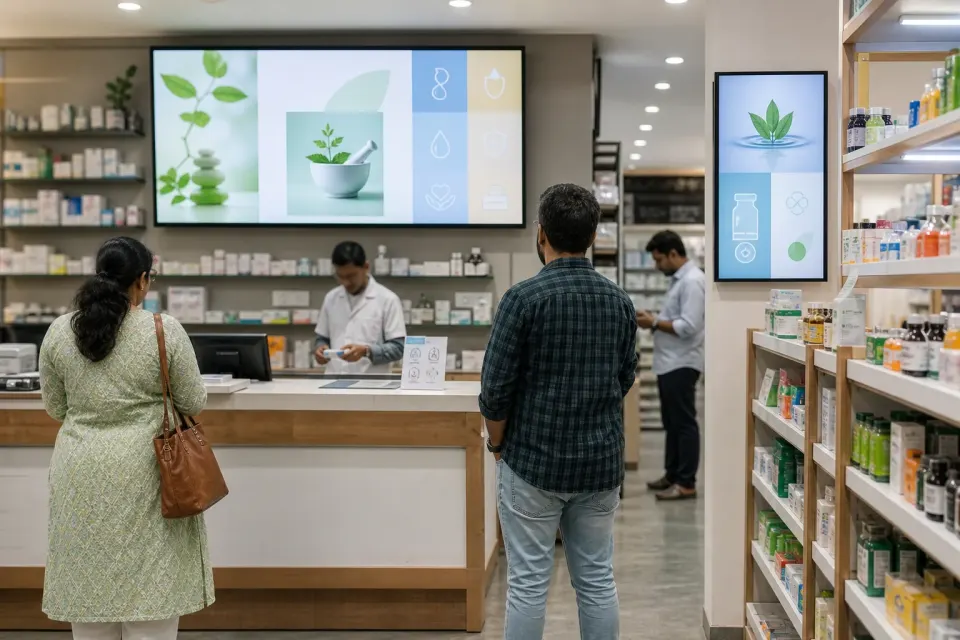
Coordinate wellness education, service information, supplier campaigns, and retail offers across pharmacy windows, aisles, and waiting areas.
Learn more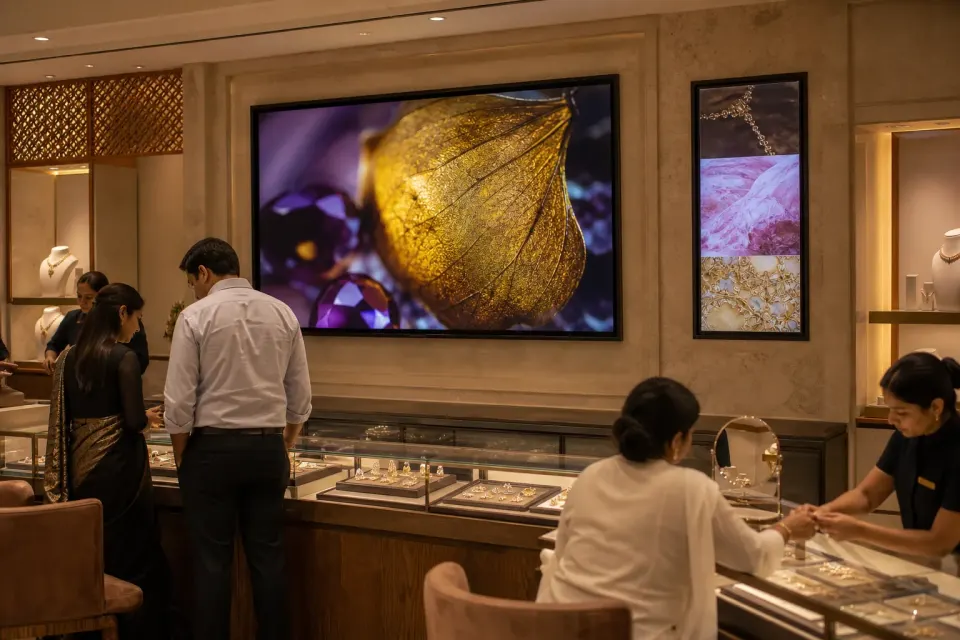
Schedule collection films, craftsmanship stories, bridal campaigns, and consultation-area media without losing control of store, region, season, or placement.
Learn more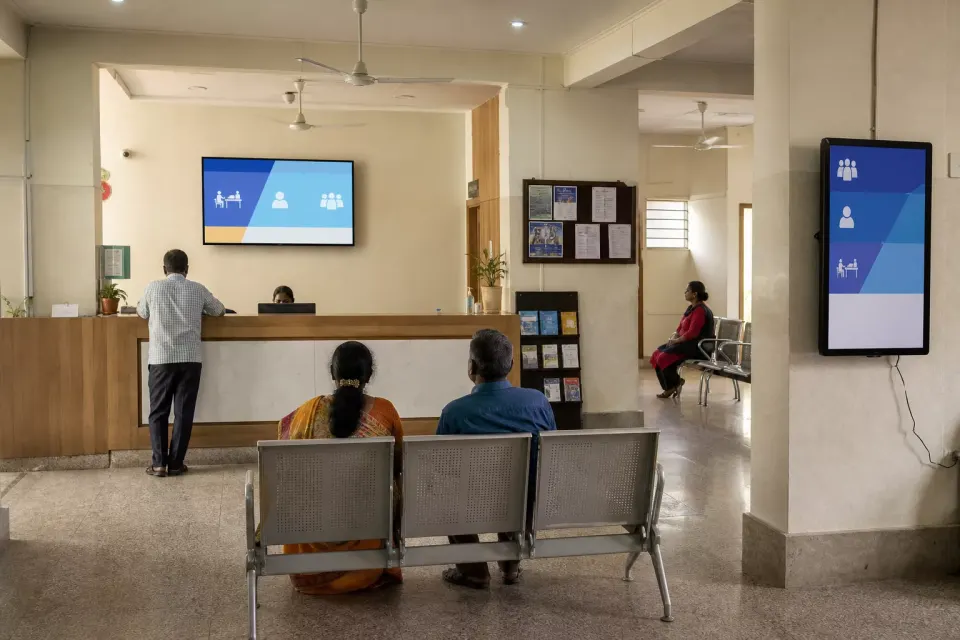
Coordinate approved citizen guidance, programme awareness, queue instructions, and public-interest campaigns across offices, service centres, and NGO programme locations.
Learn more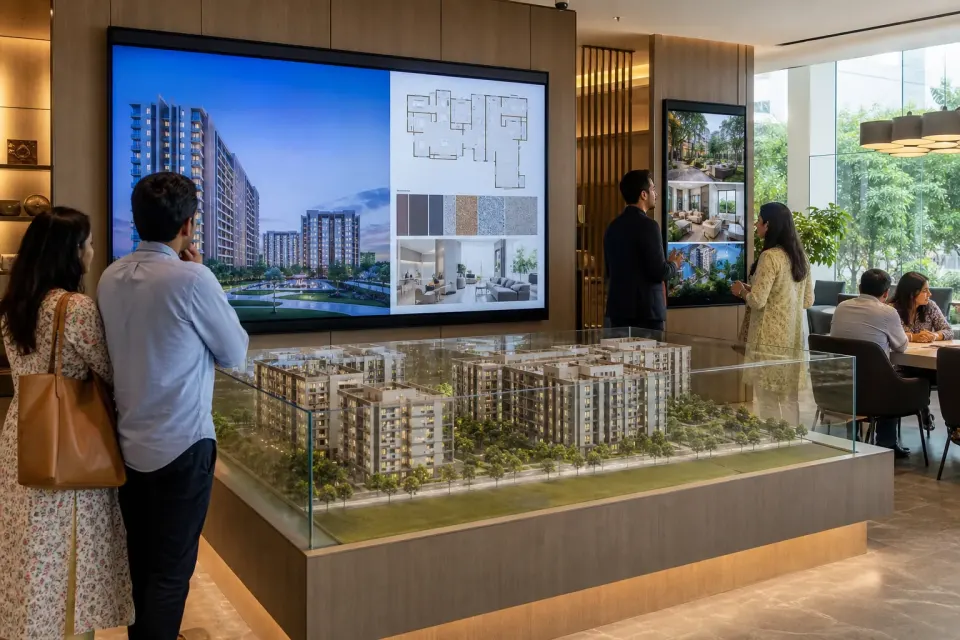
Coordinate approved project films, amenity stories, visitor guidance, and campaign media across sales galleries, model properties, lobbies, and development sites.
Learn more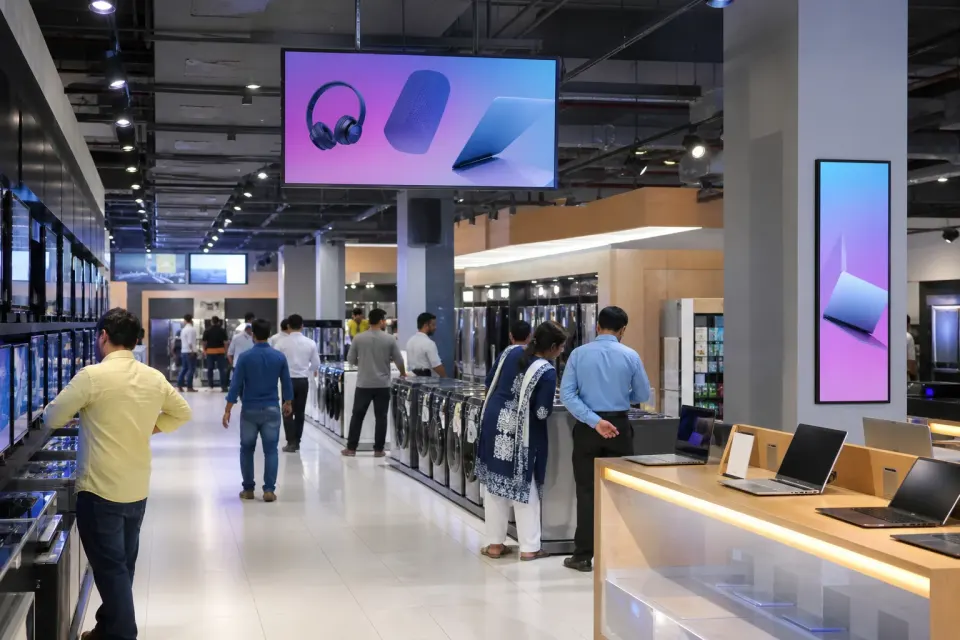
Coordinate approved product stories, launch campaigns, comparison guidance, and service information across windows, demo areas, departments, and checkout zones.
Learn more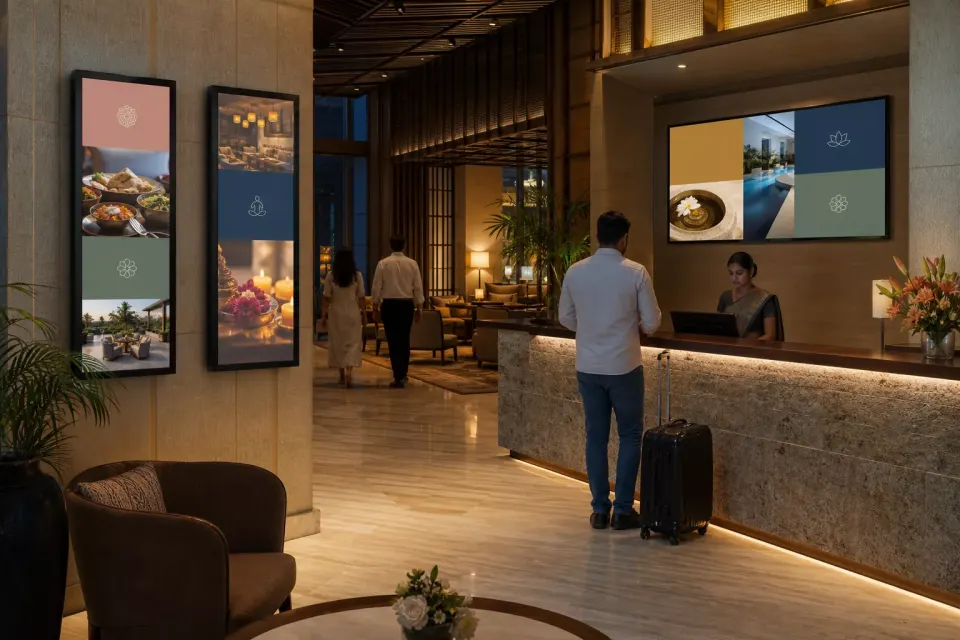
Coordinate welcome media, venue directions, event schedules, dining promotions, and brand campaigns across hotels, resorts, clubs, and serviced properties.
Learn more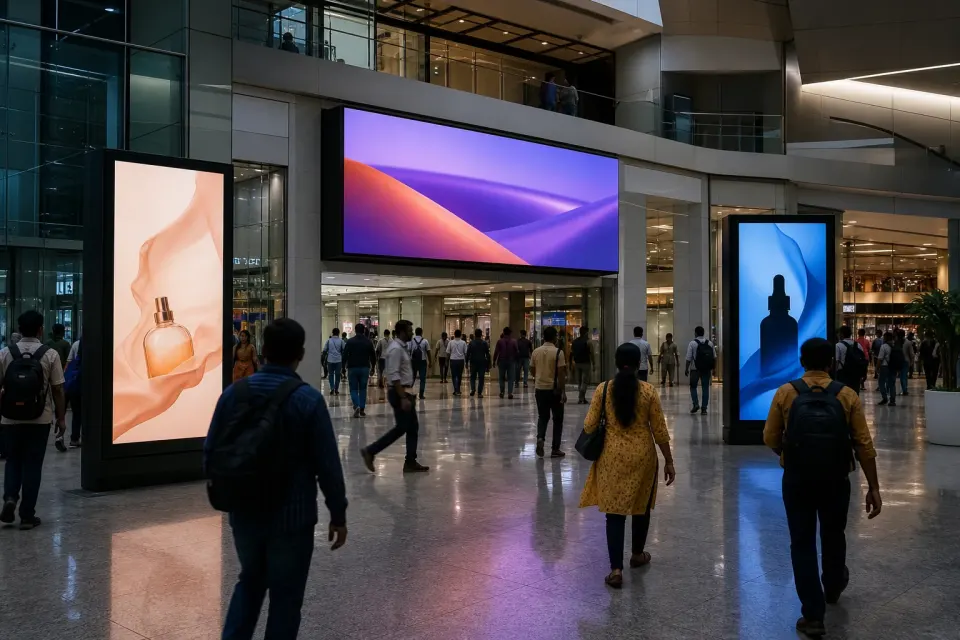
Organise media, locations, screen groups, schedules, playback records, and optional aggregate audience signals in one practical workflow for Indian DOOH operators.
Learn more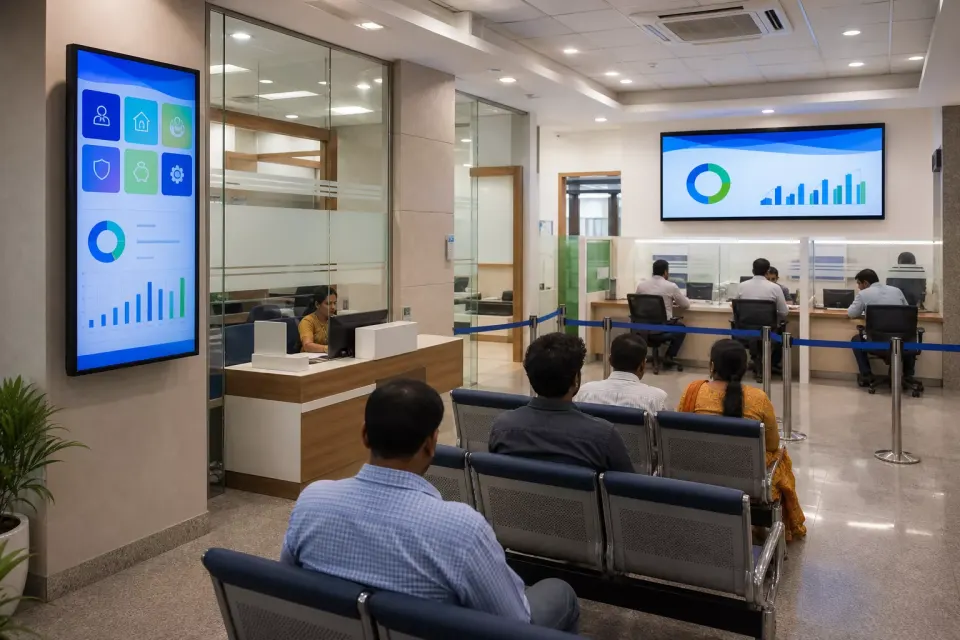
Coordinate product education, service guidance, financial-literacy content, queue-area media, and internal branch updates through a governed screen network.
Learn more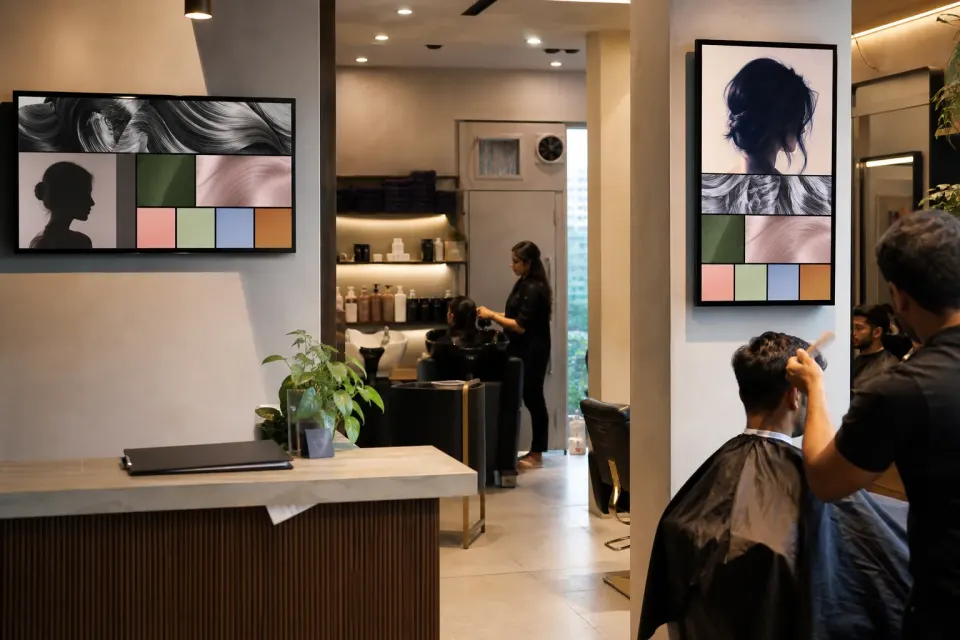
Schedule approved service menus, stylist portfolios, aftercare education, product stories, and seasonal campaigns across reception, waiting, styling, and checkout areas.
Learn more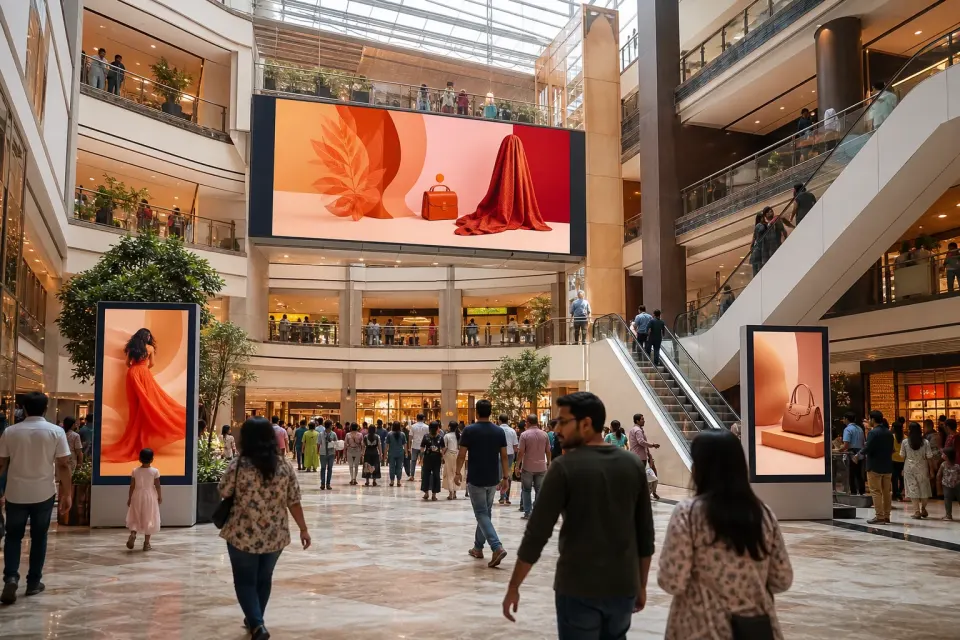
Schedule tenant promotions, centre messaging, food-court campaigns, and directional content across entrances, atriums, corridors, and directories—with evidence for the teams funding each slot.
Learn more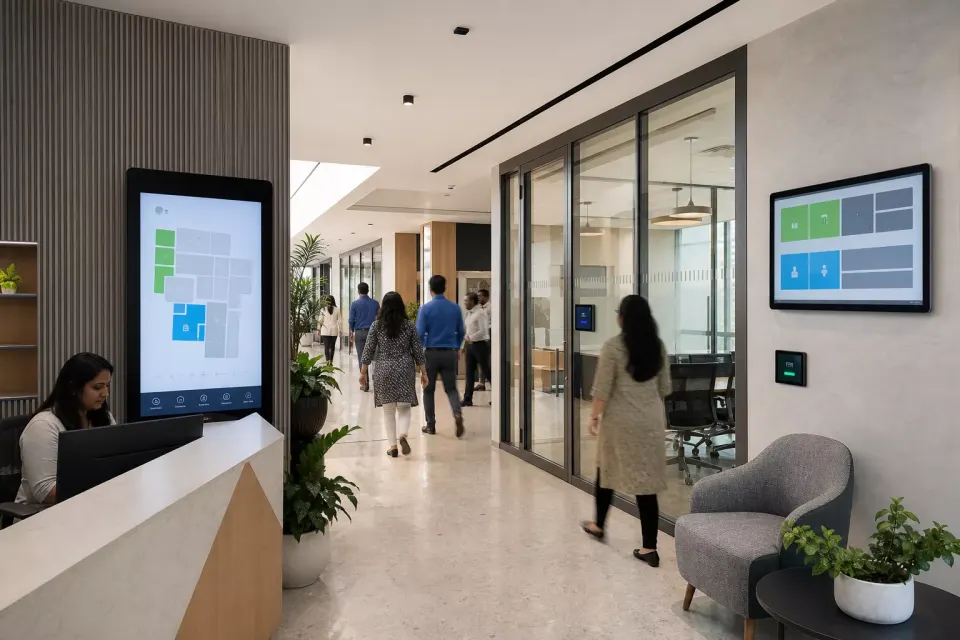
Coordinate approved lobby welcomes, visitor directions, meeting-room messages, employee updates, and culture content across a building or office portfolio.
Learn more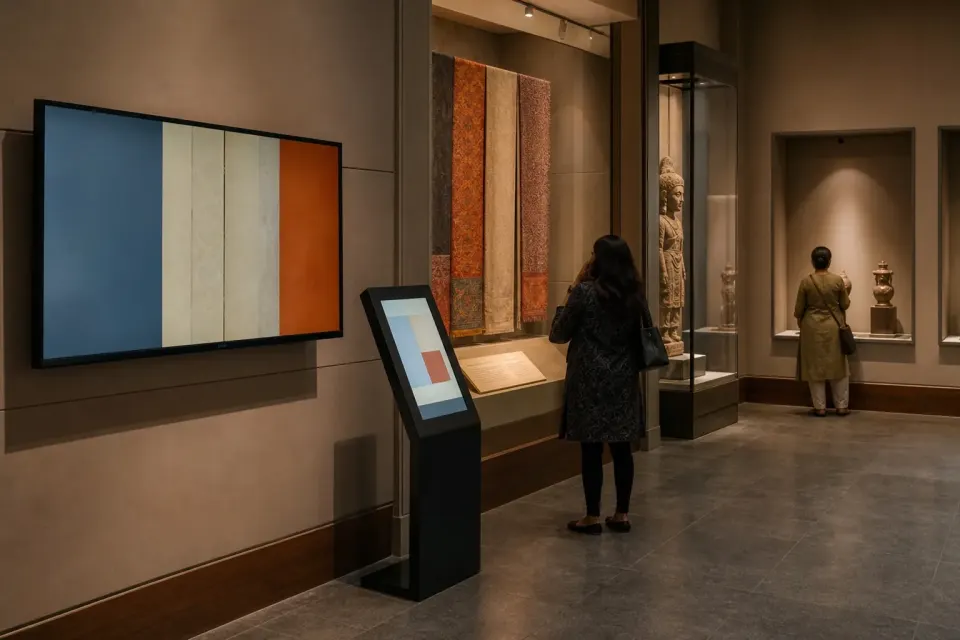
Schedule exhibition context, visitor guidance, programme highlights, donor recognition, and event media across galleries and public areas.
Learn more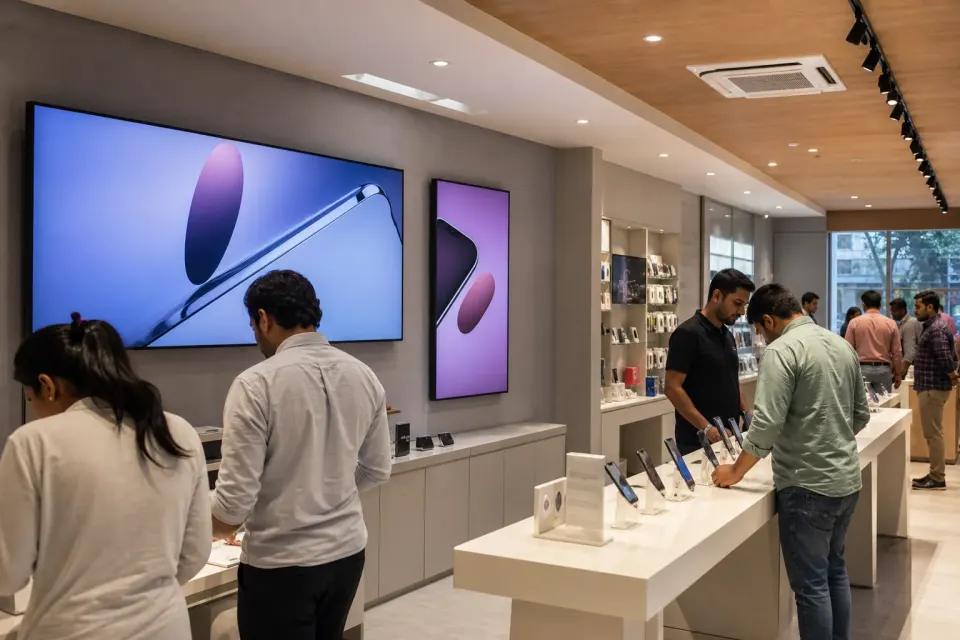
Coordinate approved tariff education, handset launches, service guidance, digital-safety messages, and brand campaigns across owned, franchised, and service-centre screens.
Learn more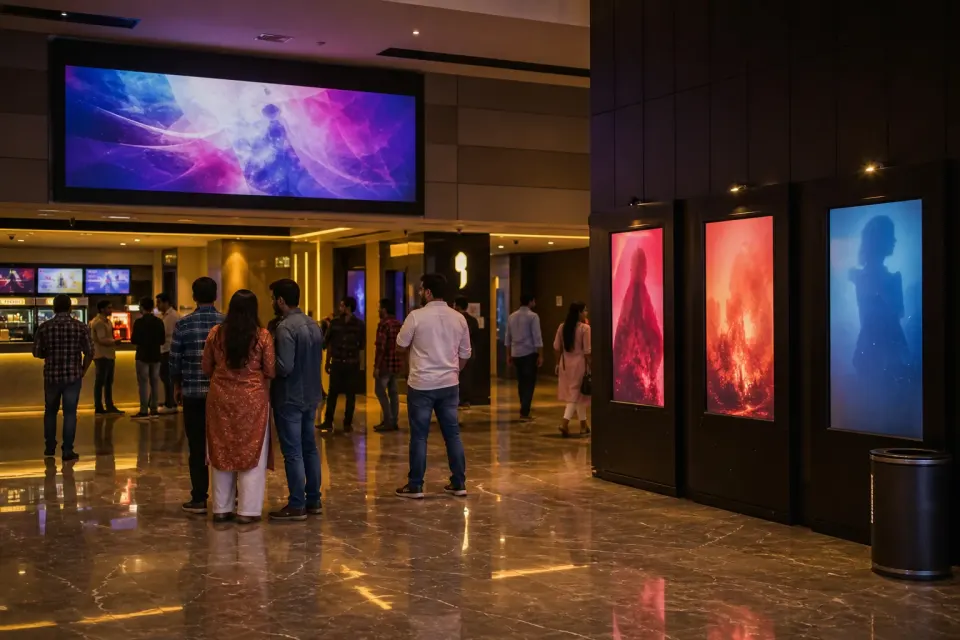
Coordinate trailers, release campaigns, concession promotions, venue guidance, and third-party advertising across a single theatre or a multi-city cinema network.
Learn more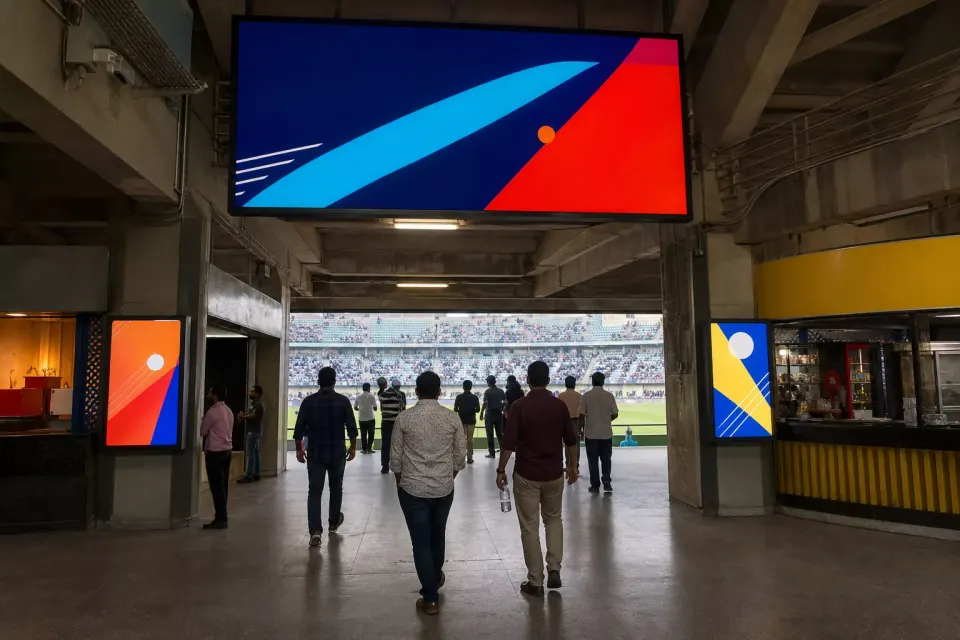
Schedule approved fan messaging, partner campaigns, food and beverage promotions, and supplementary wayfinding across stadium entrances, concourses, hospitality, and retail zones.
Learn moreFocused deployment pages
These pages address narrower screen estates where connectivity, passenger information, touch interaction, civic responsibility, or venue ownership needs more specific guidance.
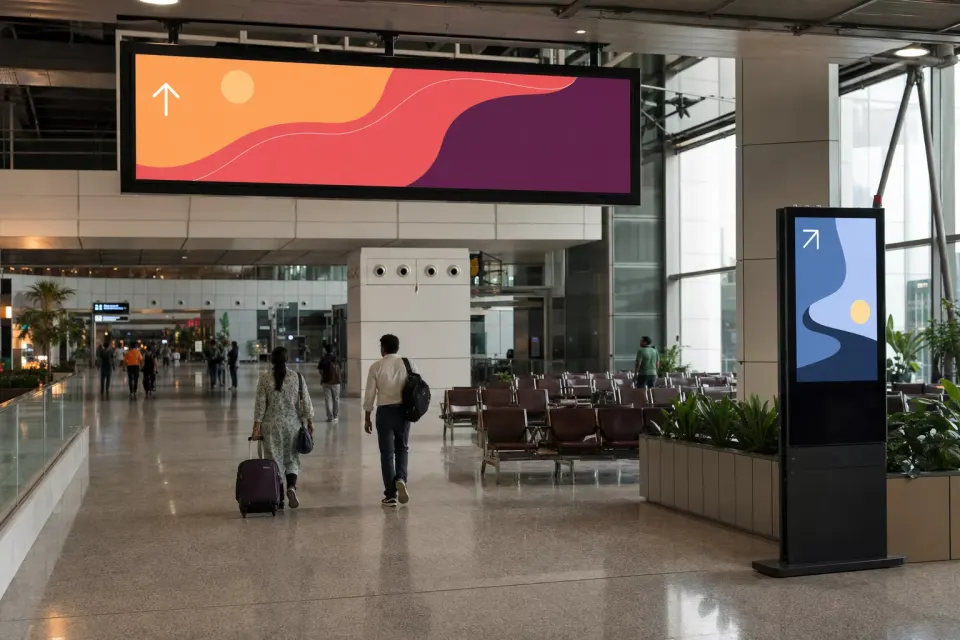
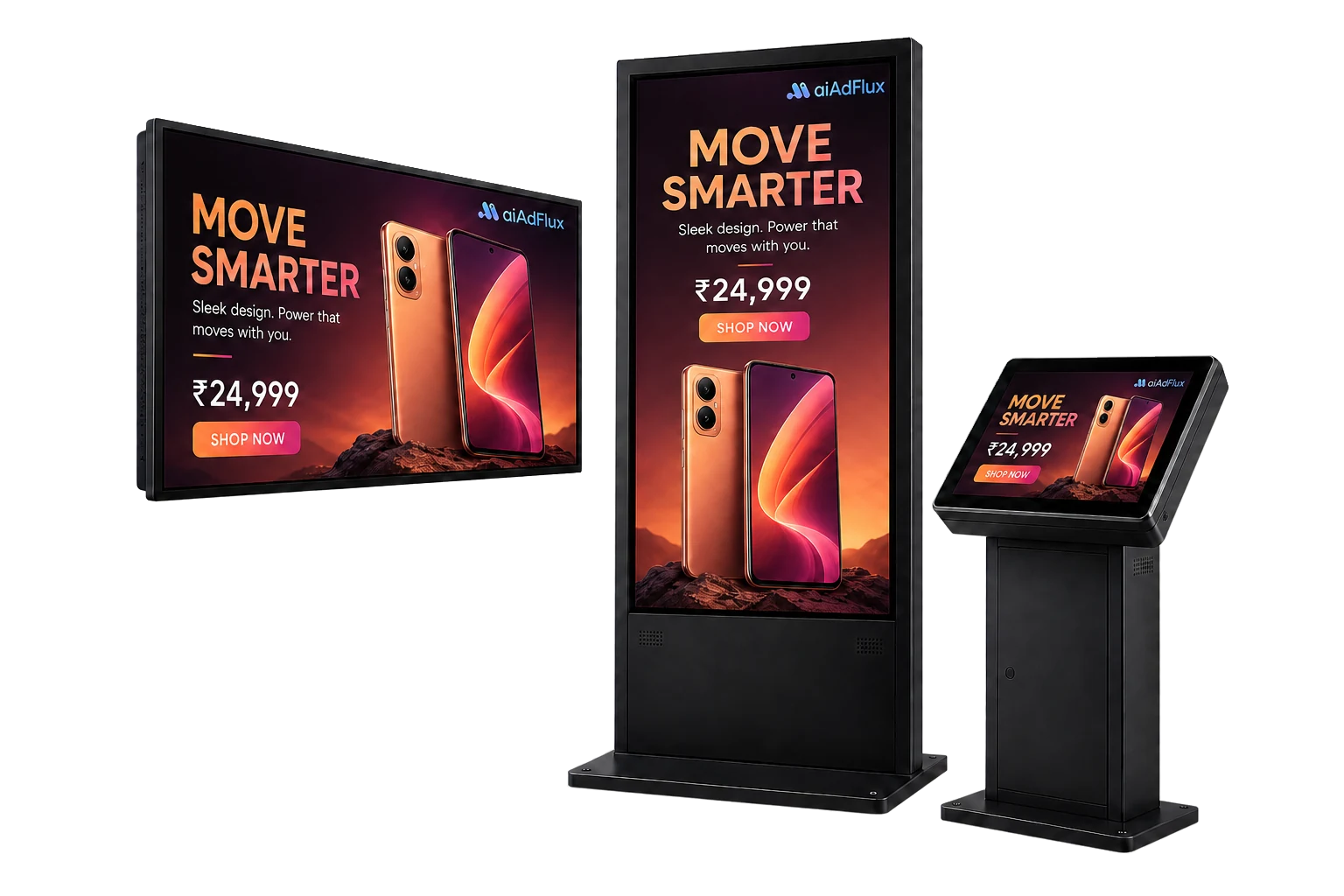
Airport digital signage software is a central system for publishing approved content to screens across check-in, concourses, gates, lounges, baggage halls, and arrivals. It lets teams organise displays by zone, schedule different playlists, monitor device status, and review playback records. aiAdFlux adds an optional on-device AI vision layer for aggregated audience context without making the signage platform an airport's operational source of truth.
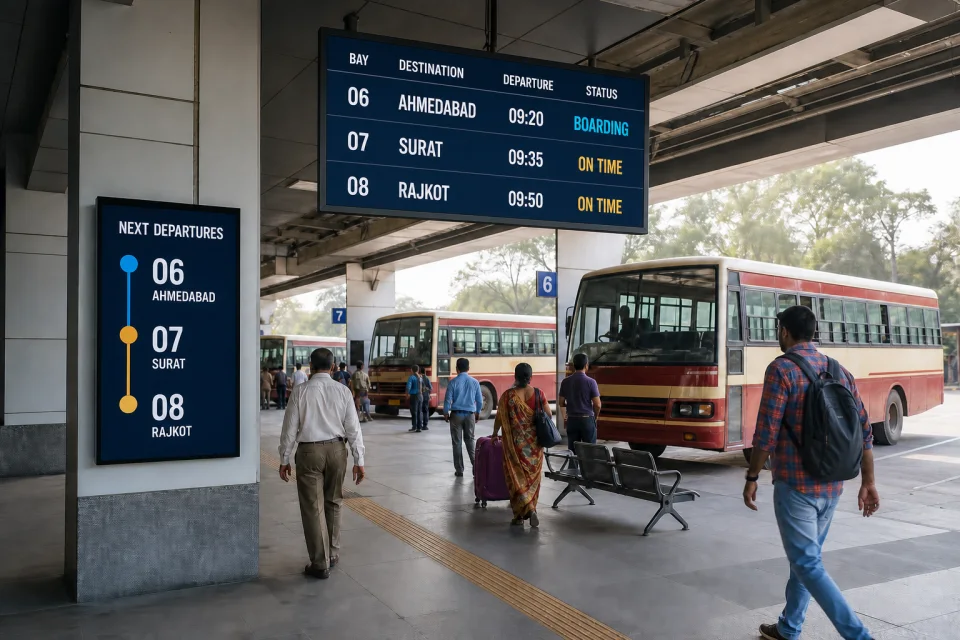
Bus stand digital signage software helps transport operators publish approved notices, route-area guidance, public information, and advertising to displays in terminals and depots. Screens can be grouped by stand, bay, city, or region, while playlists run to a defined schedule. aiAdFlux also records media playback and can add aggregated audience trends through optional on-device AI vision, while official transport systems remain authoritative.
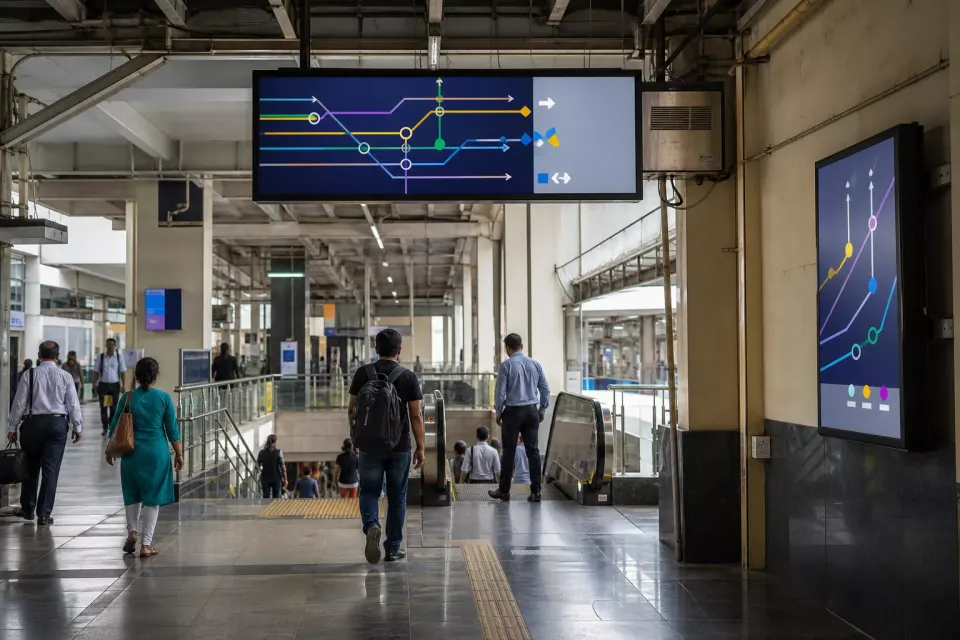
Railway and metro digital signage software manages supplementary content on displays across stations and interchange areas. Teams can group screens by line, city, station, platform zone, concourse, entry, or retail area; schedule playlists; monitor devices; and export advertising playback records. aiAdFlux supports this media layer with optional aggregate AI vision, while train operations, passenger information, control-room, safety, and emergency systems remain authoritative.
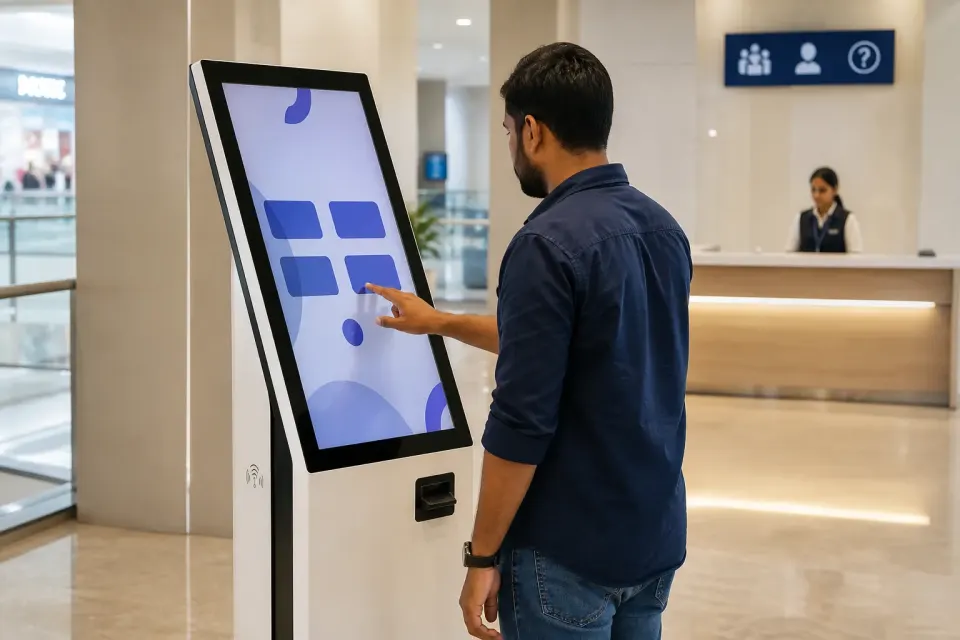
Android kiosk software configures a compatible Android device for a controlled, purpose-specific experience rather than general consumer use. Depending on device-owner support and deployment settings, teams can limit the visible app experience, manage schedules, and monitor the device remotely. aiAdFlux combines these controls with digital signage playlists, screen grouping, remote status, and optional audience analytics, so kiosks and passive displays can share one operational workspace.
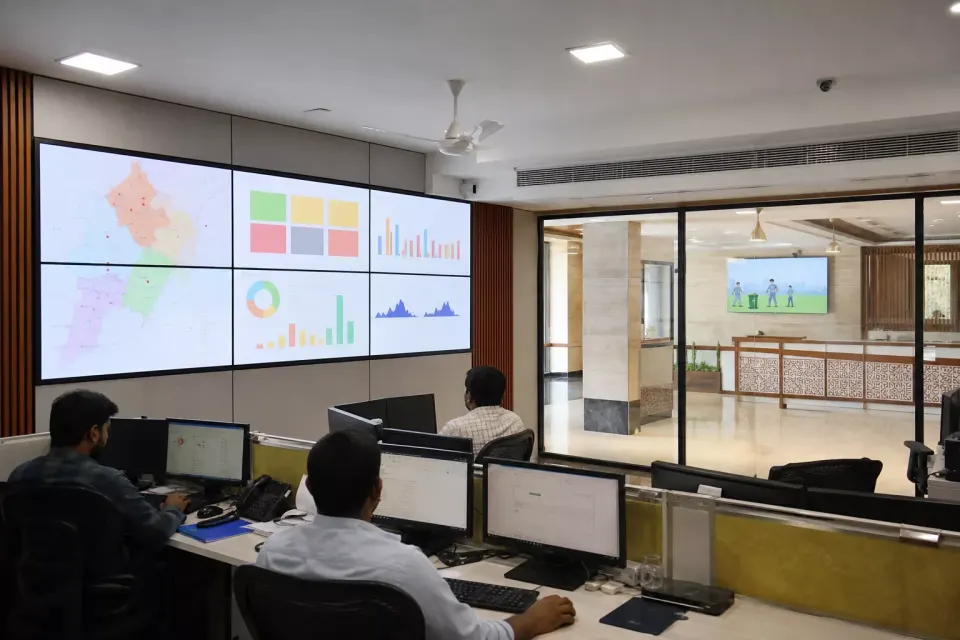
Government and smart-city digital signage is a managed screen network for approved citizen guidance, programme awareness, civic campaigns, and public-space communication. aiAdFlux can organise displays by authority, district, facility, ward, corridor, or programme; schedule playlists; monitor devices; and retain playback records. It is a supplementary publishing layer, while official records, service systems, accessibility support, safety controls, and emergency communication remain with the responsible authority.
One operating foundation
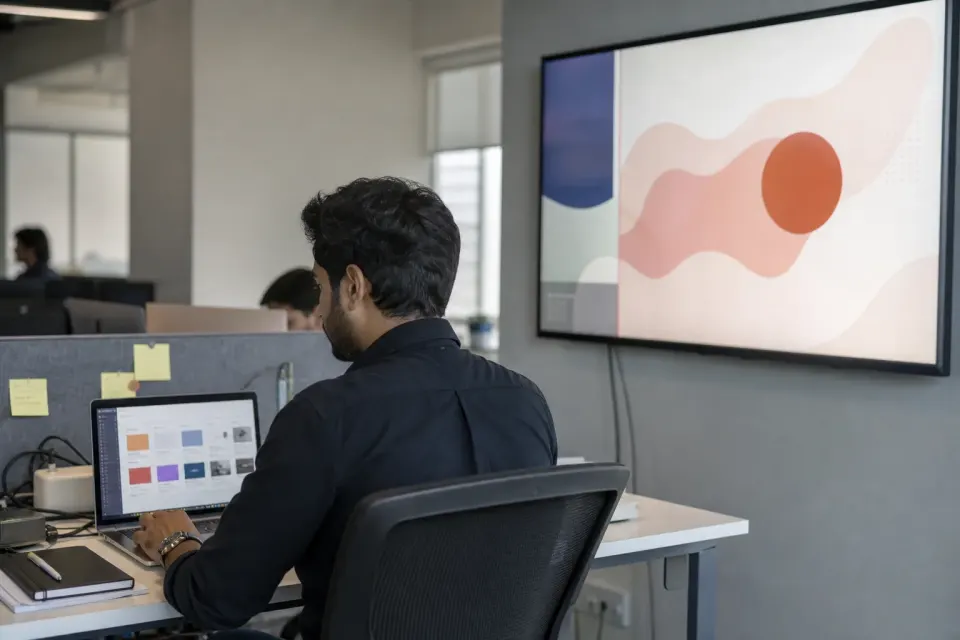
Digital signage software is a content and device platform used to publish images, videos, layouts, and scheduled playlists to connected screens. aiAdFlux lets teams pair compatible Android displays, upload media, design playlists, group screens, set campaign windows, monitor device status, and generate playback records from one dashboard. Optional on-device AI vision adds aggregated audience context without changing the core content-management workflow.
Explore capability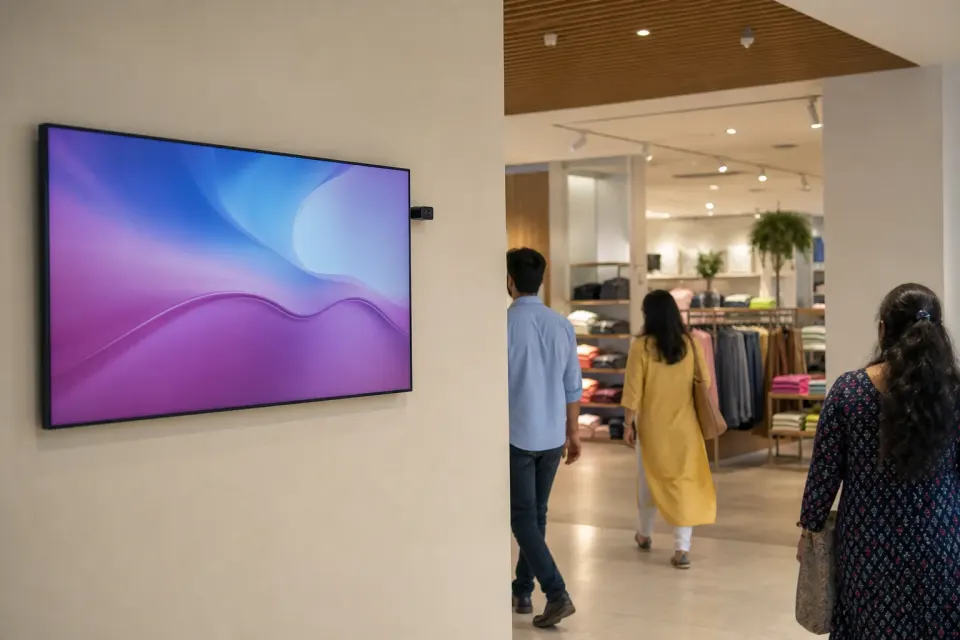
AI vision audience analytics uses a camera and on-device processing to estimate aggregate viewing patterns near a digital display. In aiAdFlux, configured vision signals are processed locally and non-identifying metadata is presented through dashboards and reports. Teams can study people-seen totals, estimated unique counts, hourly patterns, audience ranges, and impressions without using the feature as facial recognition, identity tracking, surveillance, or an automated decision system.
Explore capability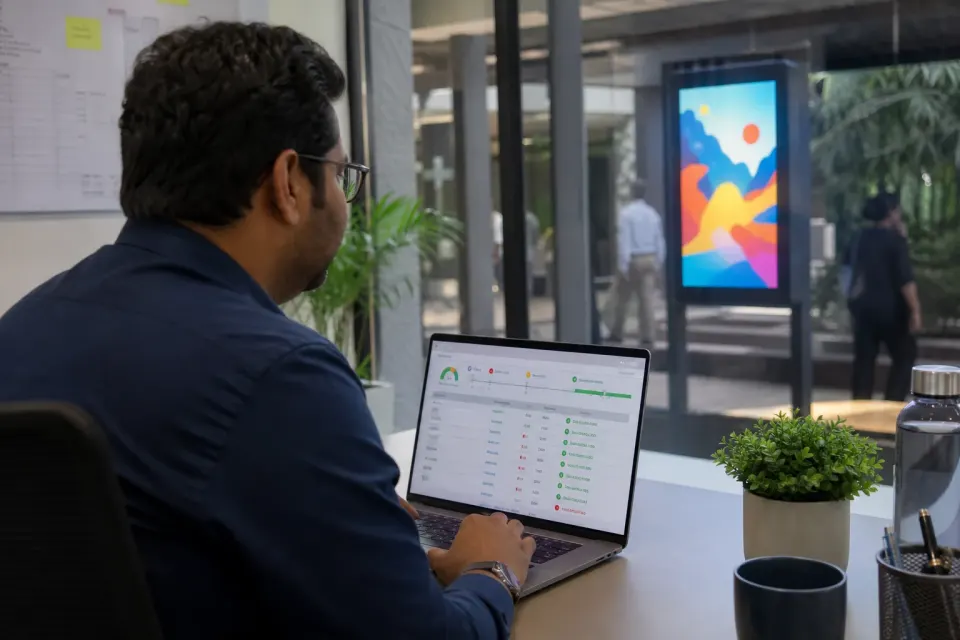
Digital signage proof-of-play reporting records when selected media played on connected screens during a reporting period. aiAdFlux can generate standard or screen-wise reports with media, timestamps, play counts, duration, screen, group, and location details, then export PDF or spreadsheet files. Where an approved AI Camera is configured, impression context can be included, but playback evidence does not by itself prove viewability, attention, sales, or contractual compliance.
Explore capability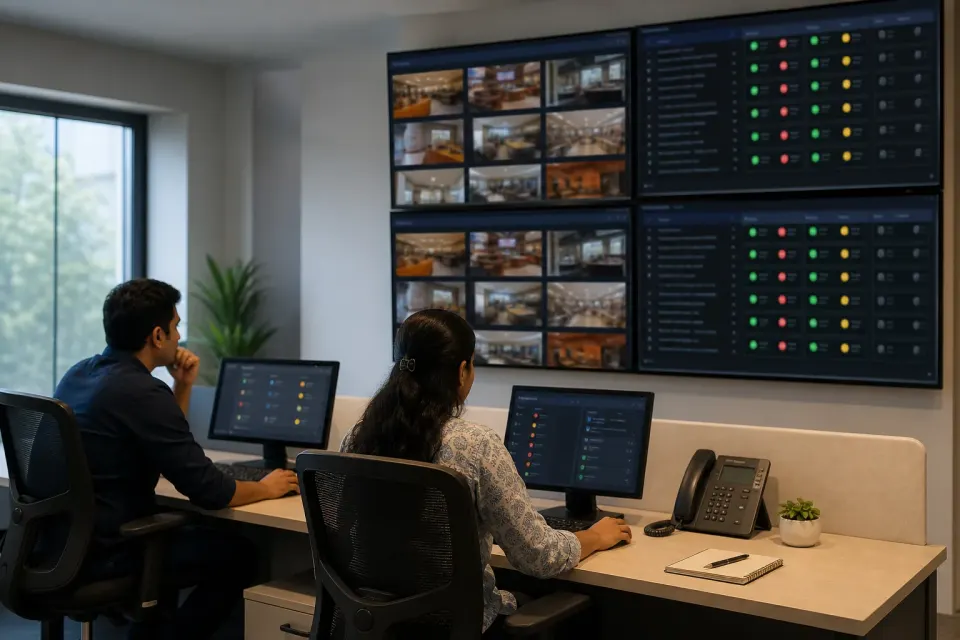
Multi-location screen management is the central organisation and operation of digital displays across separate stores, branches, venues, campuses, or cities. aiAdFlux lets teams assign screen names, locations, tags, and groups; publish playlists to selected targets; schedule campaign windows; review connectivity and download state; inspect device details; and generate screen-wise reports. Local differences remain manageable without fragmenting the network into separate signage tools.
Explore capabilityReal product evidence
These are optimized captures from the current aiAdFlux documentation—not invented interface mockups.

Review online state, licenses, camera availability, and mapped locations before opening a specific screen workflow.
India rollout estimator
Adjust 2–5 CMS licences and the AI Camera count to see an indicative monthly software subtotal. Bulk orders are quoted separately.
Software estimate only. The ₹199 bulk rate is not applied here because order eligibility and minimum quantity must be confirmed with sales. Taxes, displays, players, cameras, connectivity, installation, and custom work are excluded.
Buyer questions
aiAdFlux can support screen networks across retail, restaurants, education, healthcare, transport, corporate offices, factories, hospitality, banking, public spaces, advertising networks, and other categories in this directory. Each page explains a distinct operating model rather than only changing the industry name.
The documented platform includes screens, groups, playlists, schedules, user roles, and reporting. These controls are designed to help a central team coordinate multiple locations while keeping venue-level organisation clear.
The documented AI vision workflow is designed to process detections locally and send aggregate analytics instead of storing or transmitting face images or video. Buyers should still complete their own legal, security, and venue review before deployment.
Public CMS pricing is ₹299 per screen per month for 2–5 licences or ₹199 per screen per month for bulk orders. The optional AI Camera add-on is ₹799 per camera per month. Prices exclude taxes, hardware, connectivity, installation, and custom work.
Start with your real screen estate
We’ll map the relevant aiAdFlux workflow and help you decide where signage, kiosk mode, proof of play, or AI vision belongs.