Purpose-focused device mode
Use supported Android device-owner or kiosk settings to reduce access outside the intended on-screen experience.
Managed self-service screens
Keep compatible Android kiosks focused on the experience they were deployed to deliver. Signage and kiosk operations, together.
Configure kiosk-focused device behaviour, publish supporting media, set operating schedules, and monitor screen status without separating self-service displays from the wider signage estate.

Answer engine summary
Android kiosk software configures a compatible Android device for a controlled, purpose-specific experience rather than general consumer use. Depending on device-owner support and deployment settings, teams can limit the visible app experience, manage schedules, and monitor the device remotely. aiAdFlux combines these controls with digital signage playlists, screen grouping, remote status, and optional audience analytics, so kiosks and passive displays can share one operational workspace.
Relevant capabilities
The screen experience is purpose-built for this environment, while publishing, scheduling, monitoring, and reporting stay connected.
Use supported Android device-owner or kiosk settings to reduce access outside the intended on-screen experience.
Configure working hours plus supported brightness, sleep, and wake schedules around the venue's opening pattern.
Review status and logs, request screenshots, and use compatible remote restart or cache actions when the device setup permits.
Reuse the same library, playlists, groups, and publishing controls that support nearby digital signage screens.
Where screens fit
Operating outcomes
Reduce casual navigation away from the intended kiosk experience on supported Android configurations.
Track kiosks and signage displays with recognisable names, groups, locations, status, and device details.
Align kiosk availability and display behaviour with branch, store, clinic, or reception schedules.
Add aggregated nearby-audience patterns through an approved AI Camera deployment when the use case warrants it.

Choose a service to begin
Enterprise platform operations · Android kiosks
Give marketing, operations, and IT one implementation rhythm from content preparation and scheduling through screen monitoring, reporting, and the optional AI vision review process.
How it runs
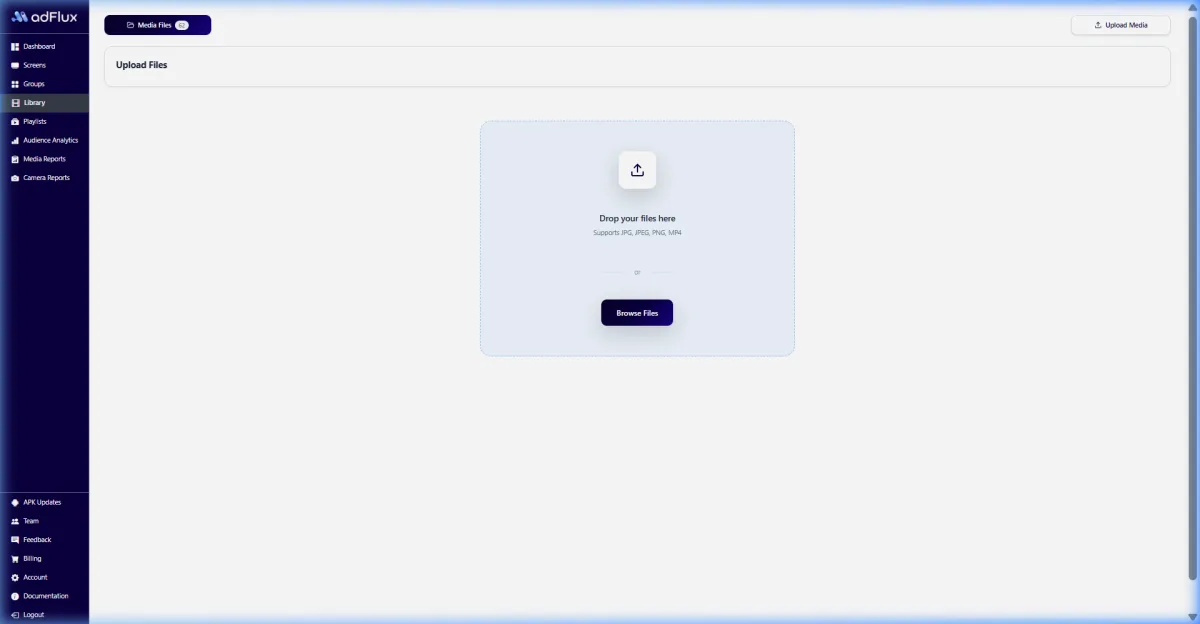
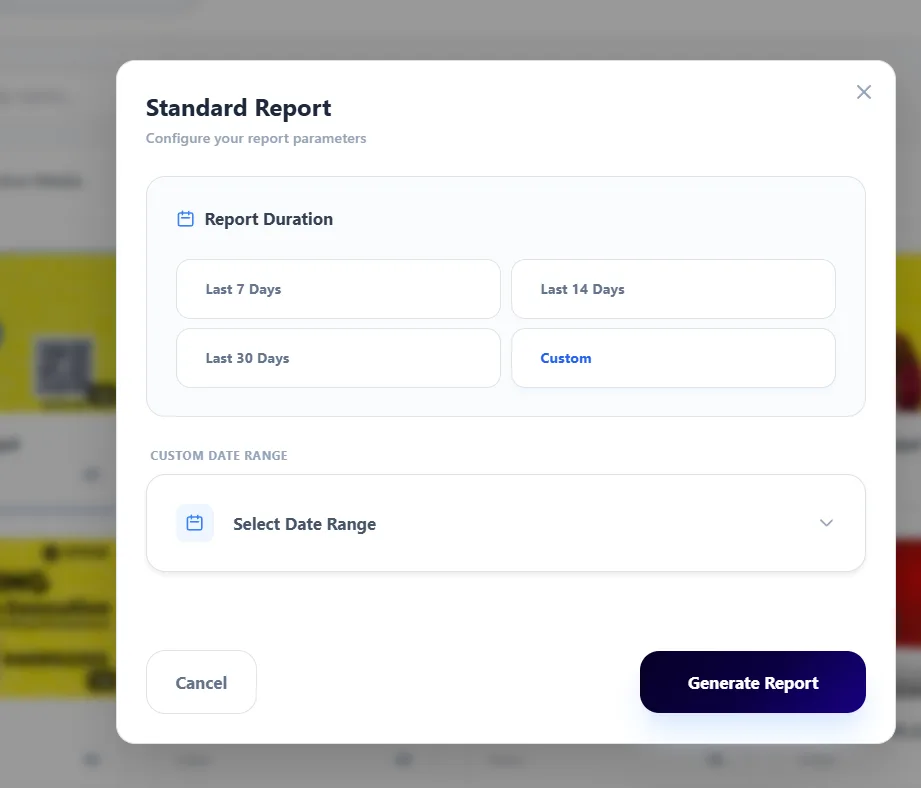
Move from setup to measurable delivery in one operator flow. Explore each stage to see the real aiAdFlux interface behind it.
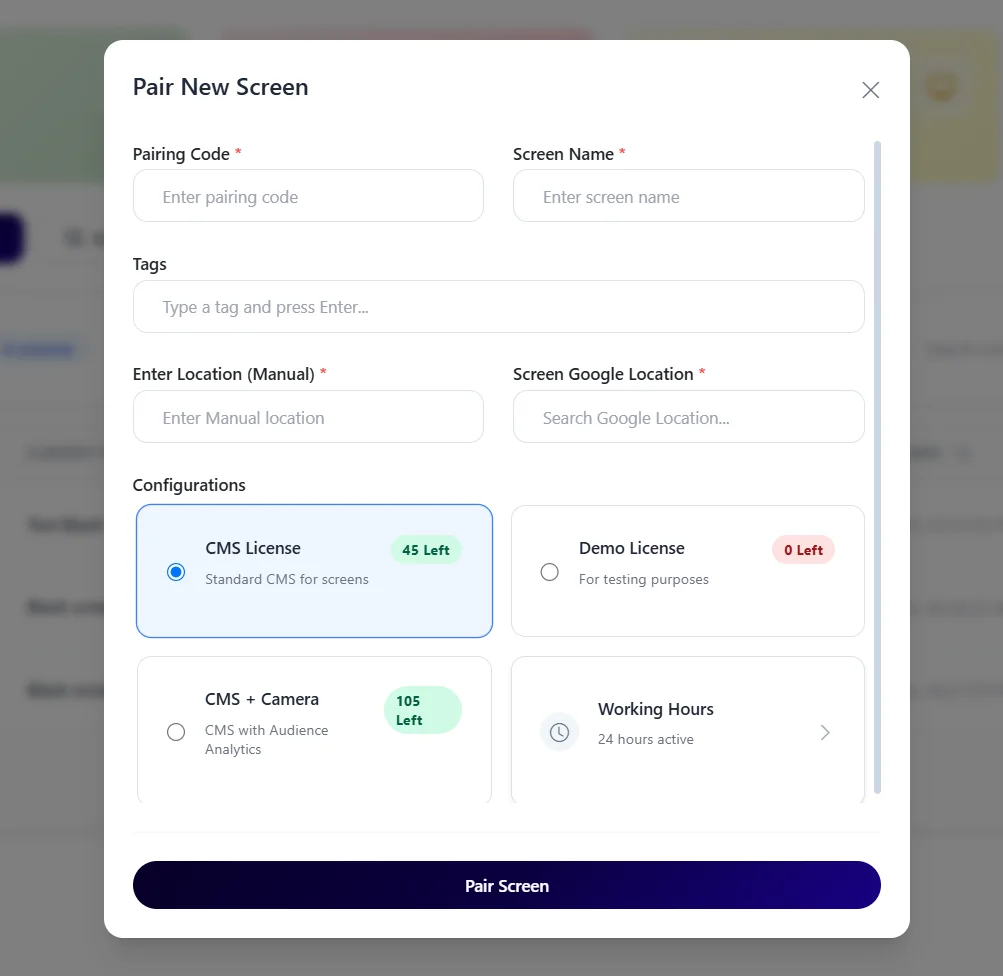
A live control view keeps screen ownership, health, and rollout scope visible from day one.
A connected operating model
The practical difference is not only the display. It is how content, timing, locations, evidence, and optional audience context stay coordinated.
On smaller screens, scroll this comparison horizontally to review all columns.
Advanced AI vision
For suitable deployments, optional on-device AI vision can summarise people seen near a kiosk by time window and audience range. It does not replace kiosk interaction analytics, transaction logs, accessibility testing, or consent and notice decisions.
Privacy-first product design: the documented workflow processes detections locally and is designed to use aggregate analytics instead of a stored video or face-image archive. Venue owners remain responsible for their own legal, notice, and deployment review.
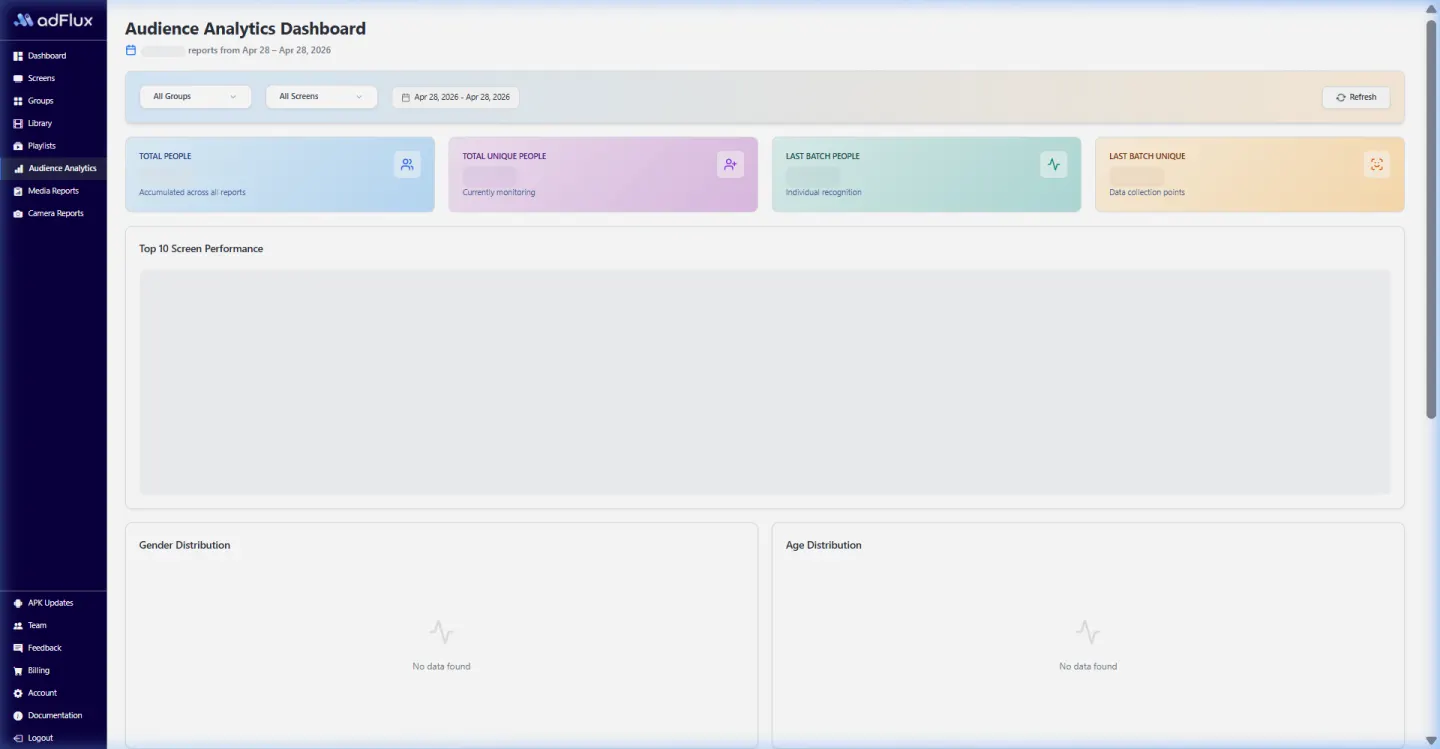

Product evidence
This optimized capture comes from the current aiAdFlux product documentation. It gives operations, marketing, and IT teams a concrete screen to discuss during the rollout.
Compare all solution categoriesIndia rollout estimator
Adjust 2–5 CMS licences and the AI Camera count to see an indicative monthly software subtotal. Bulk orders are quoted separately.
Software estimate only. The ₹199 bulk rate is not applied here because order eligibility and minimum quantity must be confirmed with sales. Taxes, displays, players, cameras, connectivity, installation, and custom work are excluded.
Buyer questions
Compatibility depends on the Android version, manufacturer restrictions, device-owner or enterprise controls, peripherals, and the app being presented. The exact hardware and recovery workflow should be tested before rollout.
The documented setup includes kiosk and device-owner controls for compatible Android deployments. Actual lockdown behaviour varies by device and provisioning method, so it must be verified on the production model.
They can use the same aiAdFlux media library, playlists, groups, schedules, and monitoring workspace where the kiosk experience and player configuration support that content.
No payment, ordering, identity, or core business application is promised by the kiosk management page. aiAdFlux manages the compatible device and signage layer; business workflows should be scoped separately.
The core platform is ₹299 per screen/month for 2–5 licences or ₹199 per screen/month for bulk orders. Optional AI Camera is ₹799 per camera/month. GST/taxes, kiosk enclosure, Android device, touch display, peripherals, cameras, and installation are excluded.
Related solutions
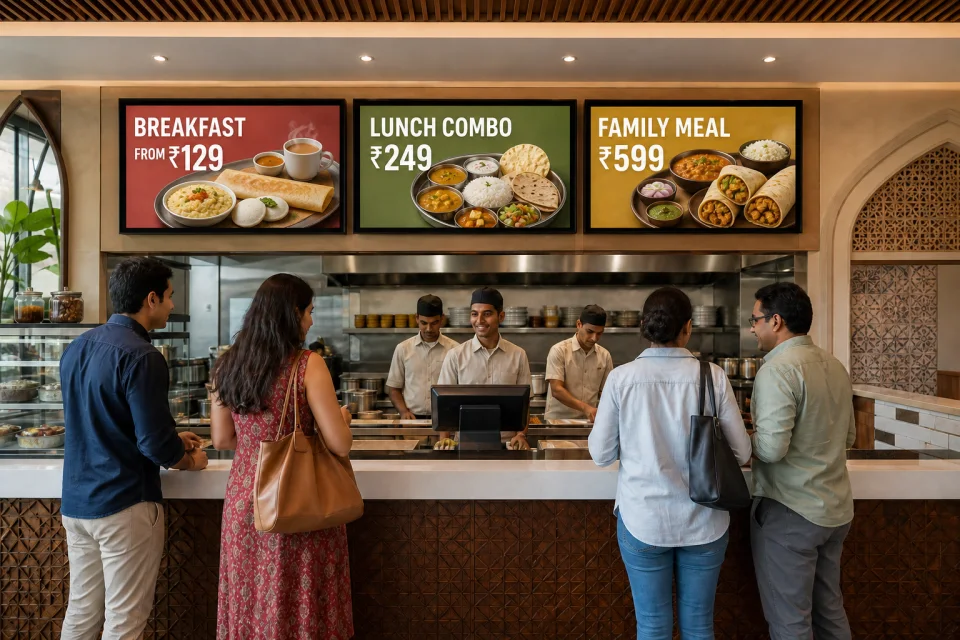
Manage menu visuals, promotional loops, counter displays, and compatible Android kiosk devices from one content workflow built for single outlets and growing Indian chains.
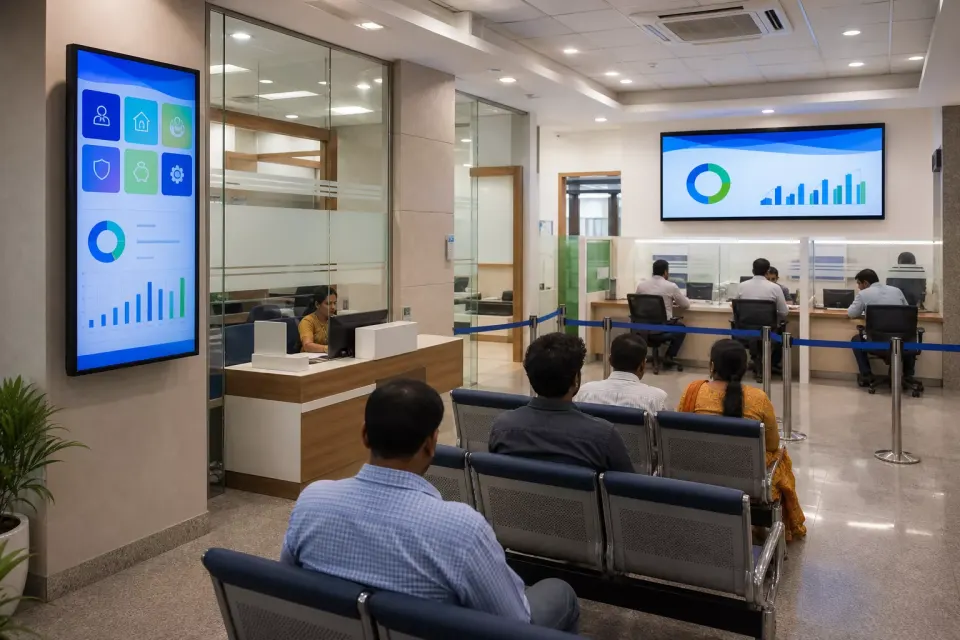
Coordinate product education, service guidance, financial-literacy content, queue-area media, and internal branch updates through a governed screen network.
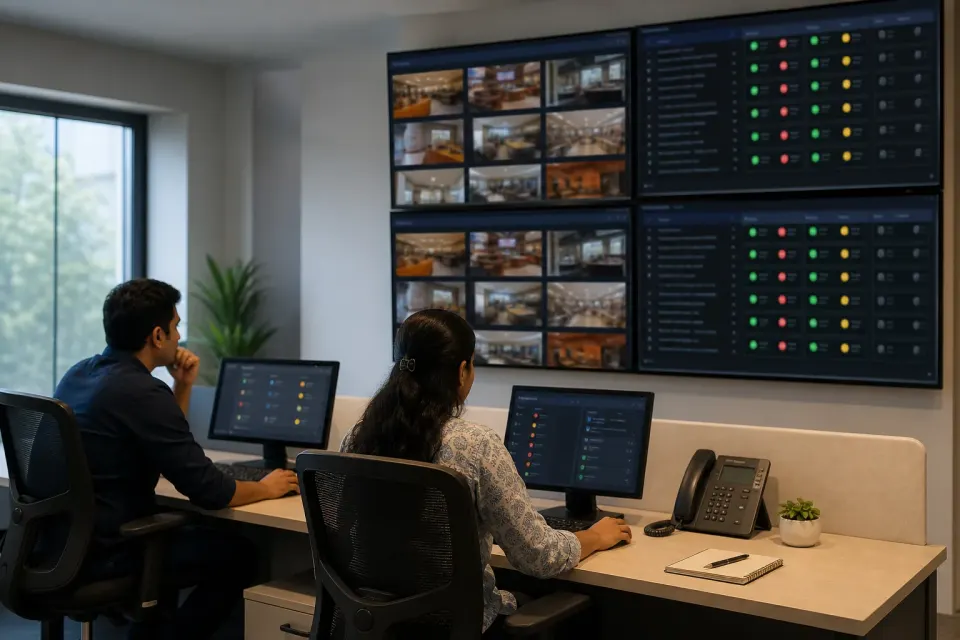
Name, locate, tag, group, schedule, monitor, and report on compatible Android screens across branches, cities, venues, and business units from a central workspace.
Plan an India-first pilot
Bring one location and one campaign brief. We’ll connect the content, screen groups, schedules, playback reporting, and optional AI vision workflow.