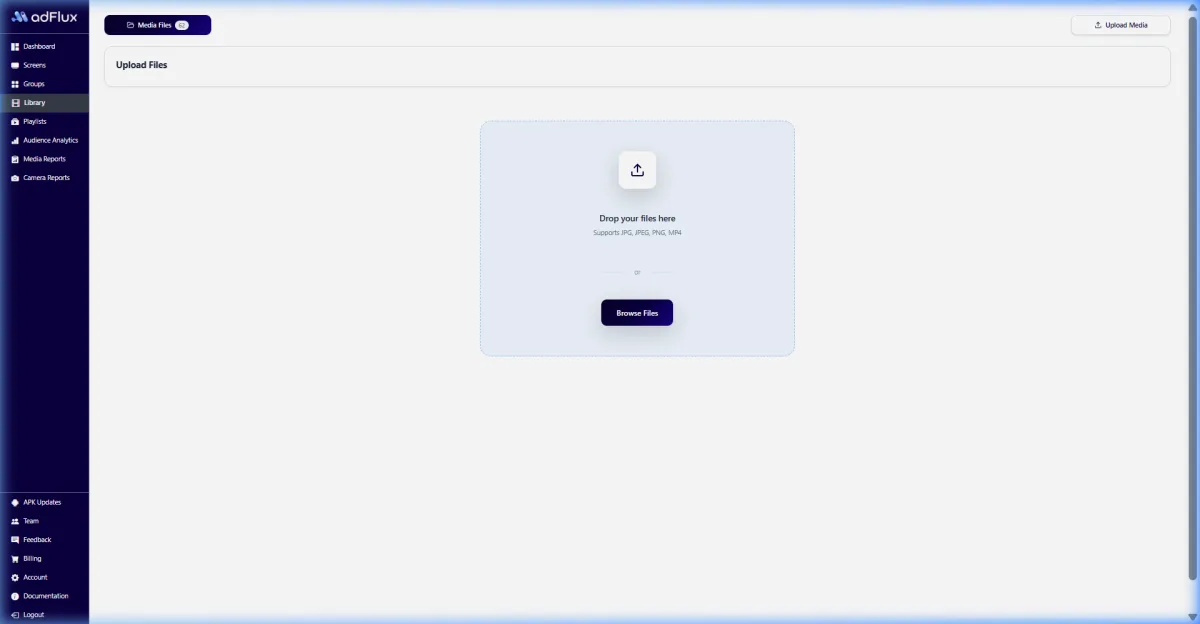
Organisation-wide targeting
Build groups around regions, companies, functions, branches, plants, or shared employee audiences.


Organisation-wide communication
Carry one internal message across headquarters, branches, plants, and shared workplaces. A visible channel for the whole organisation.
Give communication and people teams a governed screen channel for leadership updates, culture campaigns, recognition, learning, and business priorities across locations.

Answer engine summary
Corporate communication digital signage is an organisation-wide channel for publishing approved internal messages to workplace screens. Communication teams can organise displays by company, region, business unit, branch, or employee audience; schedule campaigns; and monitor whether devices received the content. aiAdFlux supports media libraries, reusable playlists, screen groups, and playback records, helping Indian organisations coordinate visible communication without replacing email, intranet, HR, or emergency systems.
Relevant capabilities
The screen experience is purpose-built for this environment, while publishing, scheduling, monitoring, and reporting stay connected.
Build groups around regions, companies, functions, branches, plants, or shared employee audiences.
Keep leadership videos, policy explainers, recognition creative, learning prompts, and culture assets together.
Launch and retire internal campaigns on planned dates while tailoring playlists for different work patterns.
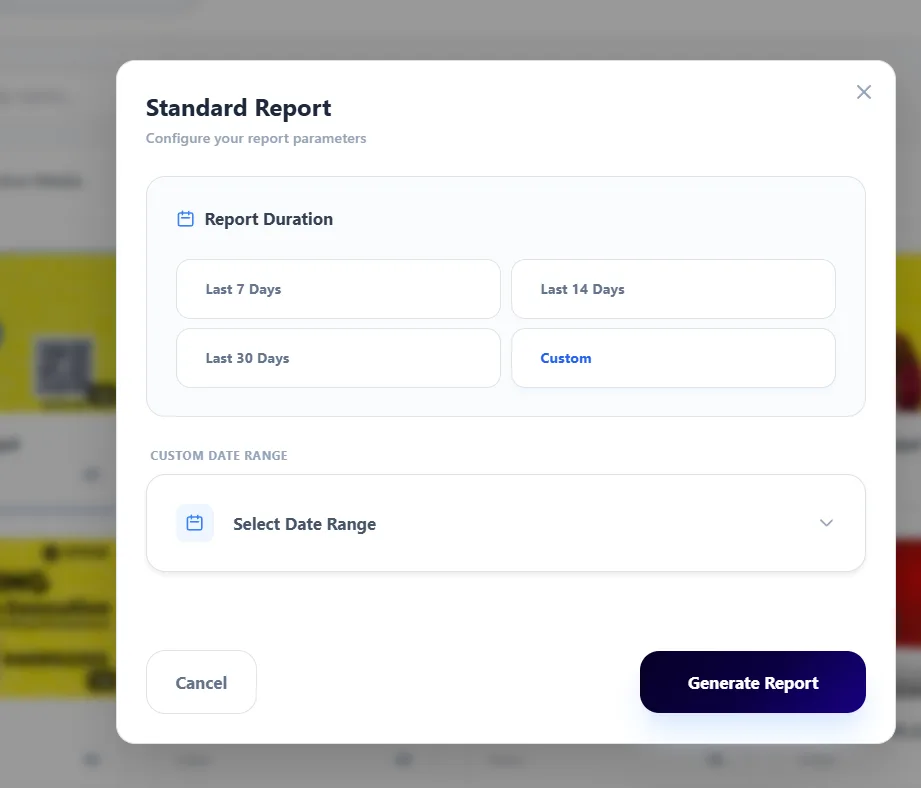
Review current playlist, online state, content download, and playback records across dispersed locations.
Where screens fit
Operating outcomes
Publish approved messages across the organisation while retaining audience and location targeting.
Reinforce longer-form email or intranet communication with concise content in shared physical spaces.
Use dates and recurring hours to keep campaigns current and reduce stale notices.
Review screen health and media playback when internal stakeholders need rollout confirmation.

One organisation • shared priorities
Enterprise campaign operations · Corporate communication
Bring marketing, operations, and venue teams into one rollout model: central standards, clearly assigned screen groups, local relevance, and evidence that can be reviewed after publishing.
How it runs
Move from setup to measurable delivery in one operator flow. Explore each stage to see the real aiAdFlux interface behind it.
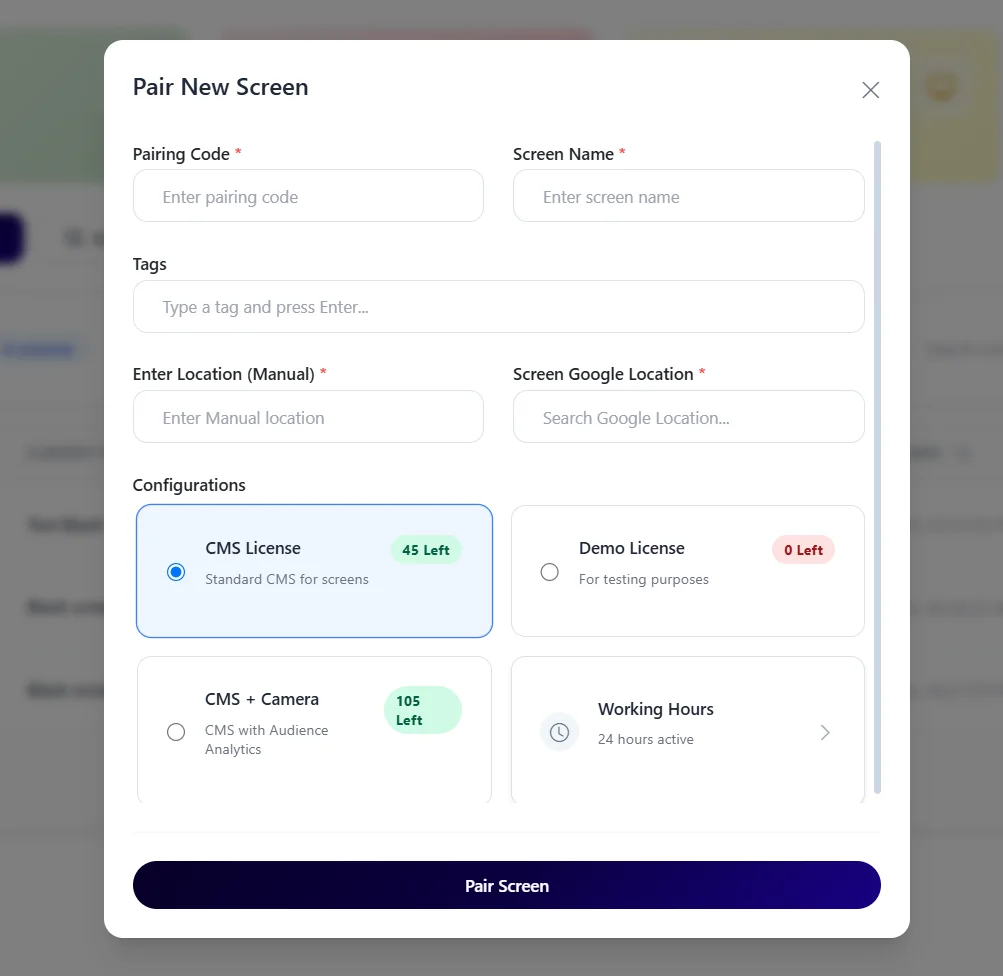
A live control view keeps screen ownership, health, and rollout scope visible from day one.
A connected operating model
The practical difference is not only the display. It is how content, timing, locations, evidence, and optional audience context stay coordinated.
On smaller screens, scroll this comparison horizontally to review all columns.
Advanced AI vision
Optional on-device AI vision can add aggregate people-seen trends around selected screens. It should be deployed only after employee consultation, purpose limitation, notice, placement, access, and local legal review; it is not an employee identity, attendance, or productivity system.
Privacy-first product design: the documented workflow processes detections locally and is designed to use aggregate analytics instead of a stored video or face-image archive. Venue owners remain responsible for their own legal, notice, and deployment review.
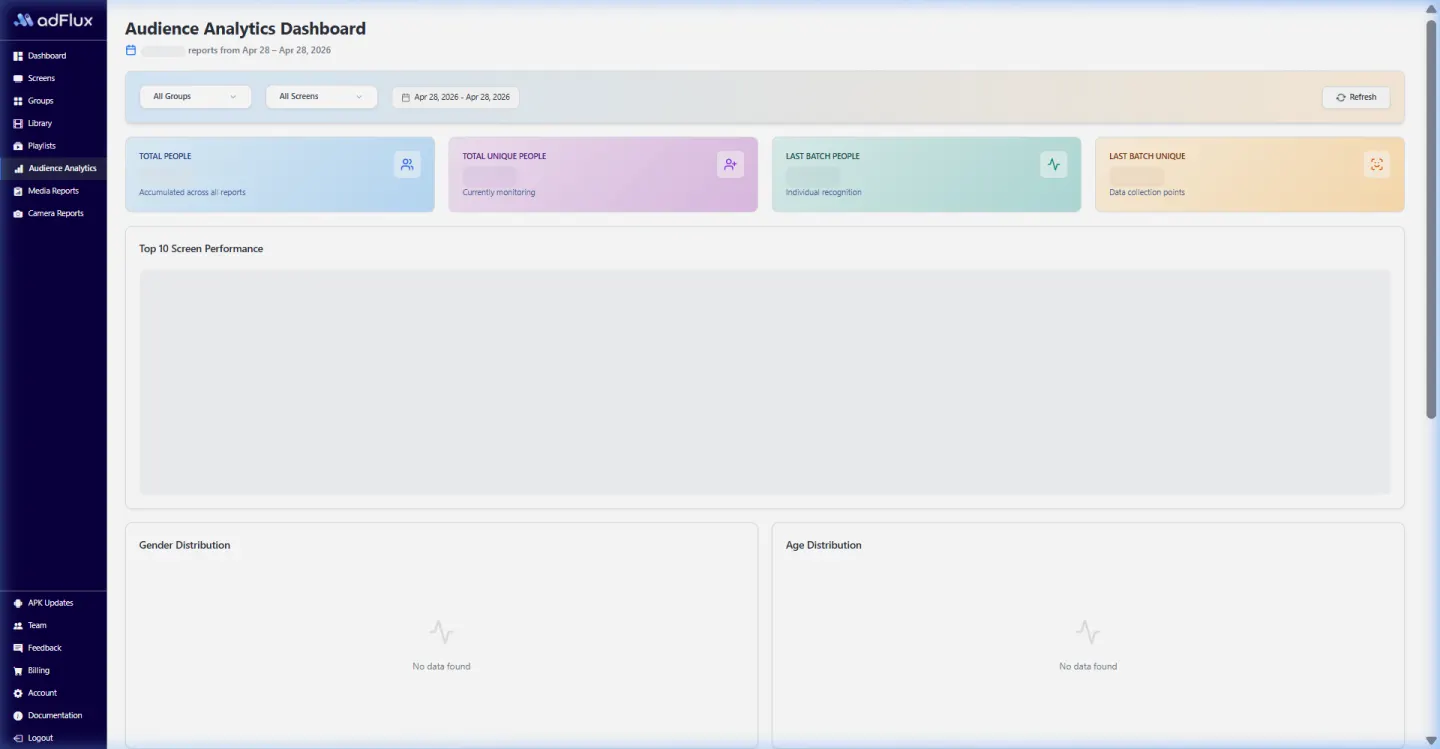

Product evidence
This optimized capture comes from the current aiAdFlux product documentation. It gives operations, marketing, and IT teams a concrete screen to discuss during the rollout.
Compare all solution categoriesIndia rollout estimator
Adjust 2–5 CMS licences and the AI Camera count to see an indicative monthly software subtotal. Bulk orders are quoted separately.
Software estimate only. The ₹199 bulk rate is not applied here because order eligibility and minimum quantity must be confirmed with sales. Taxes, displays, players, cameras, connectivity, installation, and custom work are excluded.
Buyer questions
Corporate communication focuses on organisation-wide leadership, people, culture, learning, and business campaigns. Office signage focuses on a site's daily lobby, visitor, room, directory, and workplace operations.
Yes. Screen groups can represent regions, branches, companies, functions, or employee audiences, each with its own playlist and schedule.
No intranet, HRIS, collaboration, or business-intelligence integration is promised on this page. Approved media can be uploaded and scheduled through the documented signage workflow.
They can review device connectivity, download state, active playlists, and generated media play reports for selected screens and date ranges.
The core platform is ₹299 per screen/month for 2–5 licences or ₹199 per screen/month for bulk orders. Optional AI Camera costs ₹799 per camera/month. GST/taxes, displays, Android players, cameras, installation, and network services are separate.
Related solutions
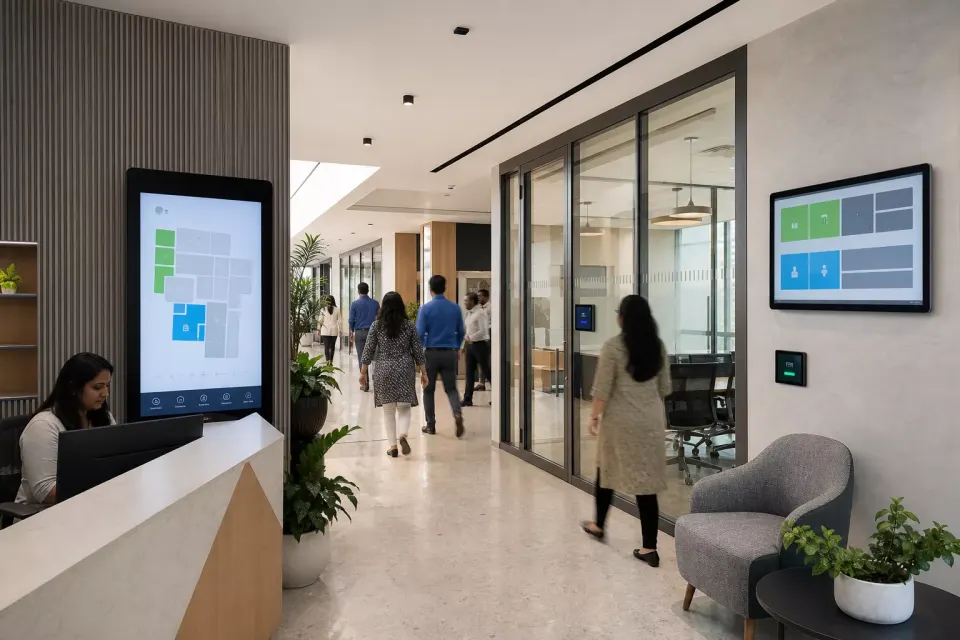
Coordinate approved lobby welcomes, visitor directions, meeting-room messages, employee updates, and culture content across a building or office portfolio.
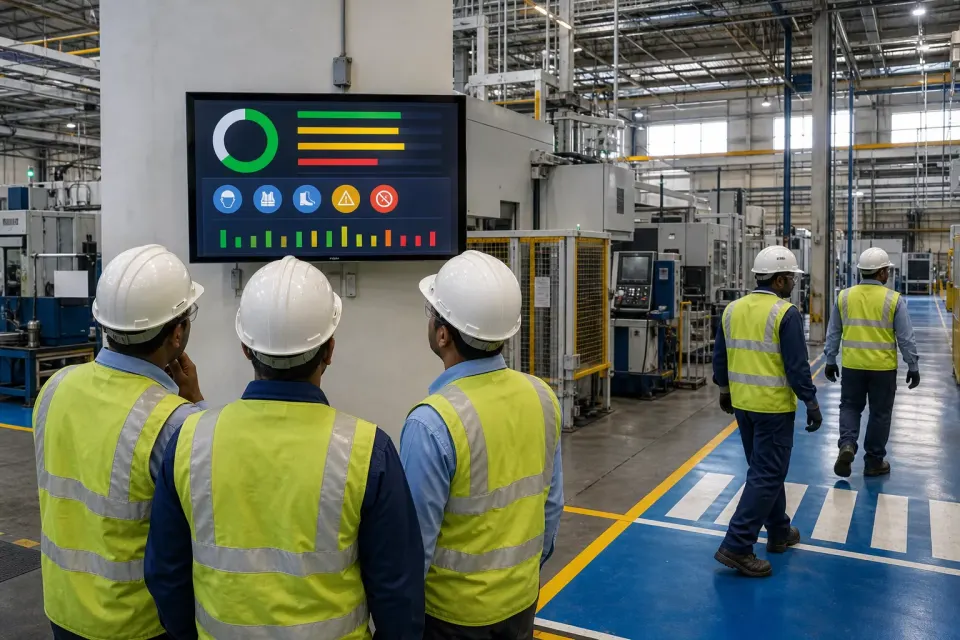
Publish approved shift notices, quality themes, training reminders, visitor information, and company updates across plants while keeping safety controls in their certified systems.
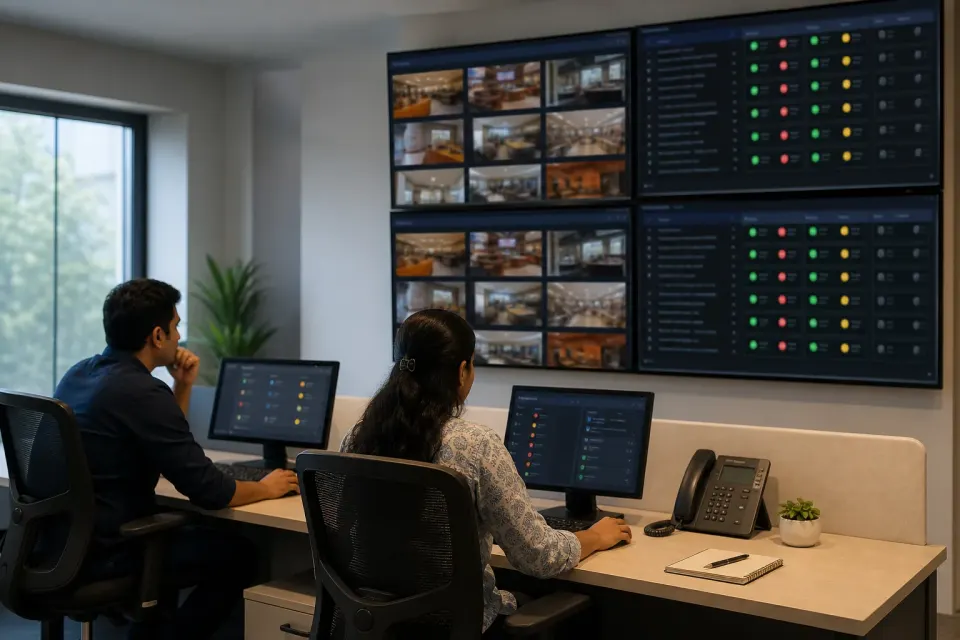
Name, locate, tag, group, schedule, monitor, and report on compatible Android screens across branches, cities, venues, and business units from a central workspace.
Plan an India-first pilot
Bring one location and one campaign brief. We’ll connect the content, screen groups, schedules, playback reporting, and optional AI vision workflow.