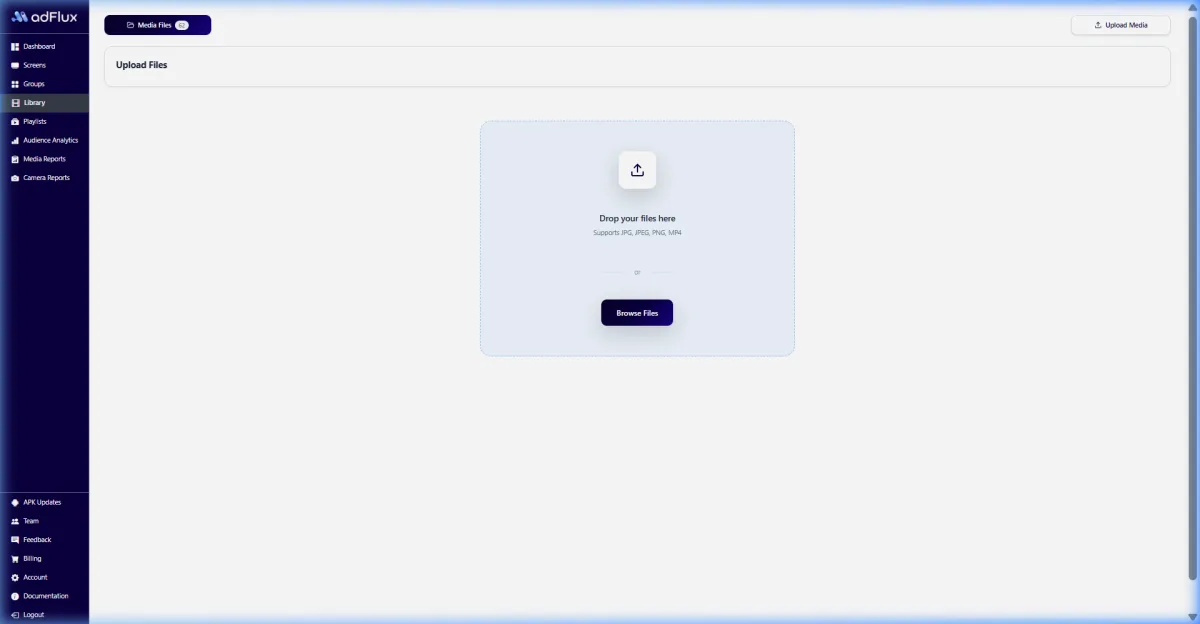
Project and zone grouping
Manage screens by development, city, sales gallery, model apartment, lobby, or visitor route.


Property presentation and guidance
Give every project a current, carefully sequenced visual story. From first enquiry to the experience centre.
Coordinate approved project films, amenity stories, visitor guidance, and campaign media across sales galleries, model properties, lobbies, and development sites.

Answer engine summary
Real estate digital signage software helps developers, brokers, and property teams present approved project media, amenity stories, availability-led campaigns, and visitor guidance across sales galleries, experience centres, lobbies, and sites. Teams can organise screens by property or zone, schedule content, and review playback. aiAdFlux does not replace statutory disclosures, price lists, booking records, construction updates, or regulated sales documentation.
Relevant capabilities
The screen experience is purpose-built for this environment, while publishing, scheduling, monitoring, and reporting stay connected.
Manage screens by development, city, sales gallery, model apartment, lobby, or visitor route.
Arrange project films, amenity visuals, location context, walkthroughs, and approved campaign assets into playlists.
Prepare media for project launches, broker events, open houses, and recurring visitor hours.
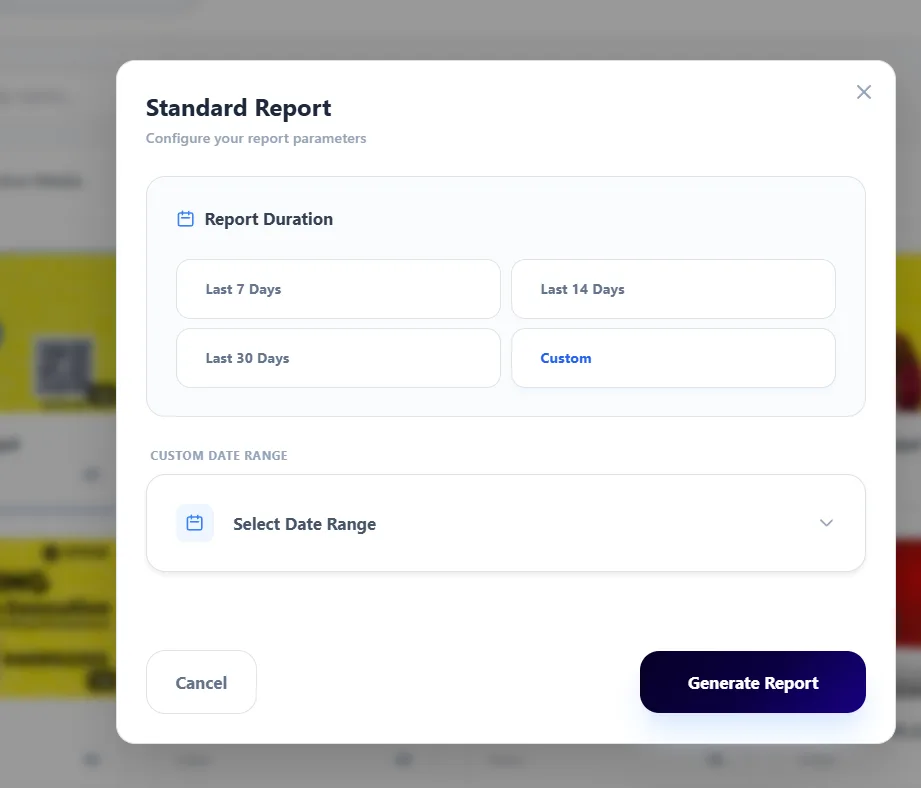
Review screen health and playback records across one development or a multi-city portfolio.
Where screens fit
Operating outcomes
Keep approved visuals aligned across campaign, gallery, model-property, and lobby screens.
Update selected placements centrally as approved project material changes.
See screen assignments, status, and playback across multiple developments.
Compare aggregate viewing patterns between project zones where optional AI vision is suitable.

A fictional project preview
Enterprise campaign operations · Real estate
Bring marketing, operations, and venue teams into one rollout model: central standards, clearly assigned screen groups, local relevance, and evidence that can be reviewed after publishing.
How it runs
Move from setup to measurable delivery in one operator flow. Explore each stage to see the real aiAdFlux interface behind it.
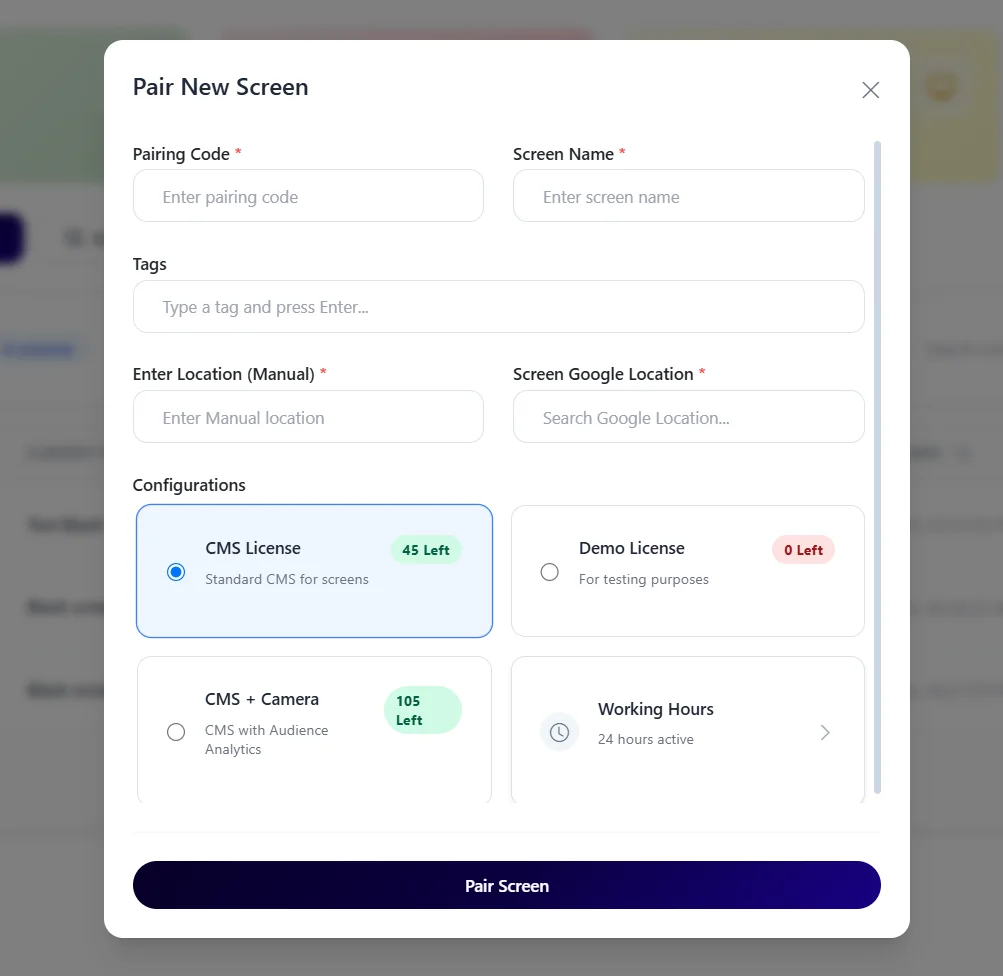
A live control view keeps screen ownership, health, and rollout scope visible from day one.
A connected operating model
The practical difference is not only the display. It is how content, timing, locations, evidence, and optional audience context stay coordinated.
On smaller screens, scroll this comparison horizontally to review all columns.
Advanced AI vision
Optional on-device AI vision can summarise people seen and aggregate dwell-time patterns near selected screens. It does not identify prospects, connect viewers to sales records, or establish purchase intent.
Privacy-first product design: the documented workflow processes detections locally and is designed to use aggregate analytics instead of a stored video or face-image archive. Venue owners remain responsible for their own legal, notice, and deployment review.
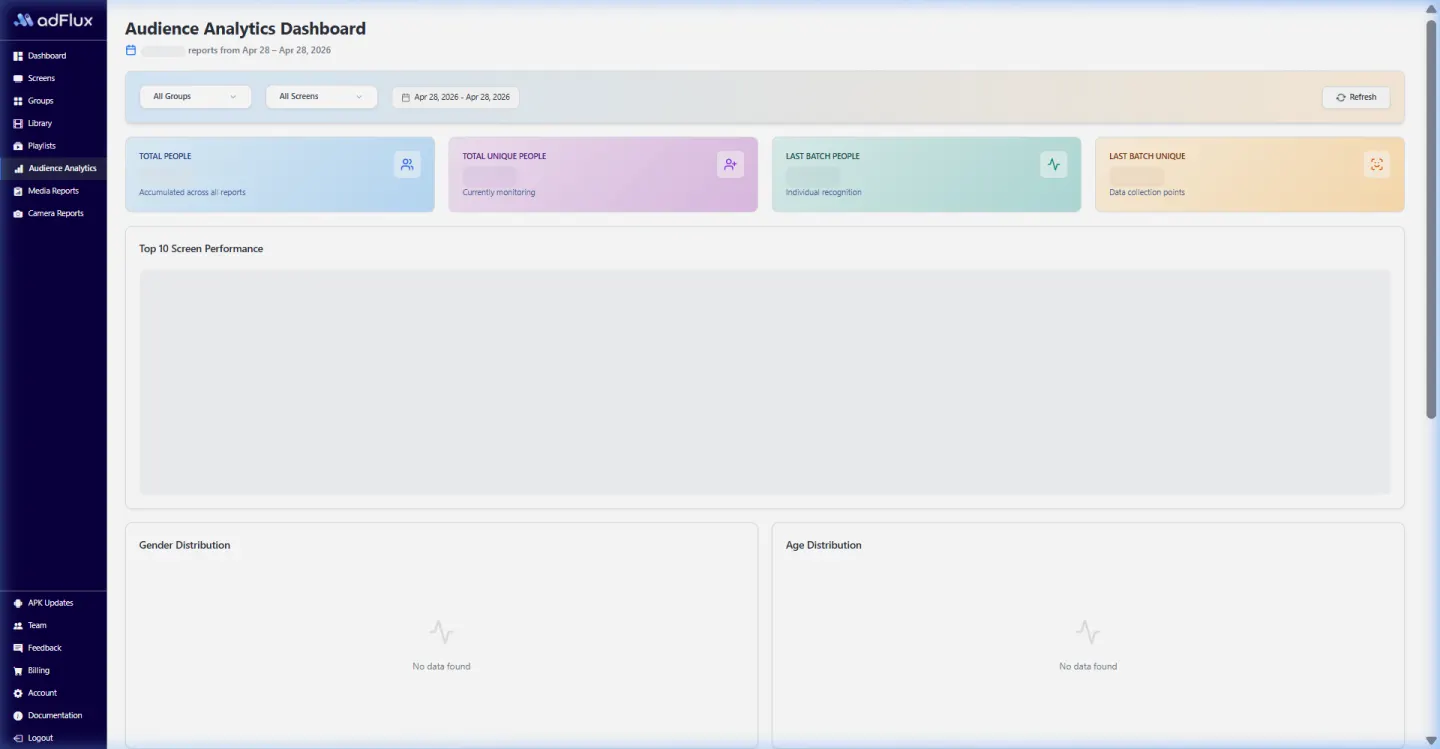
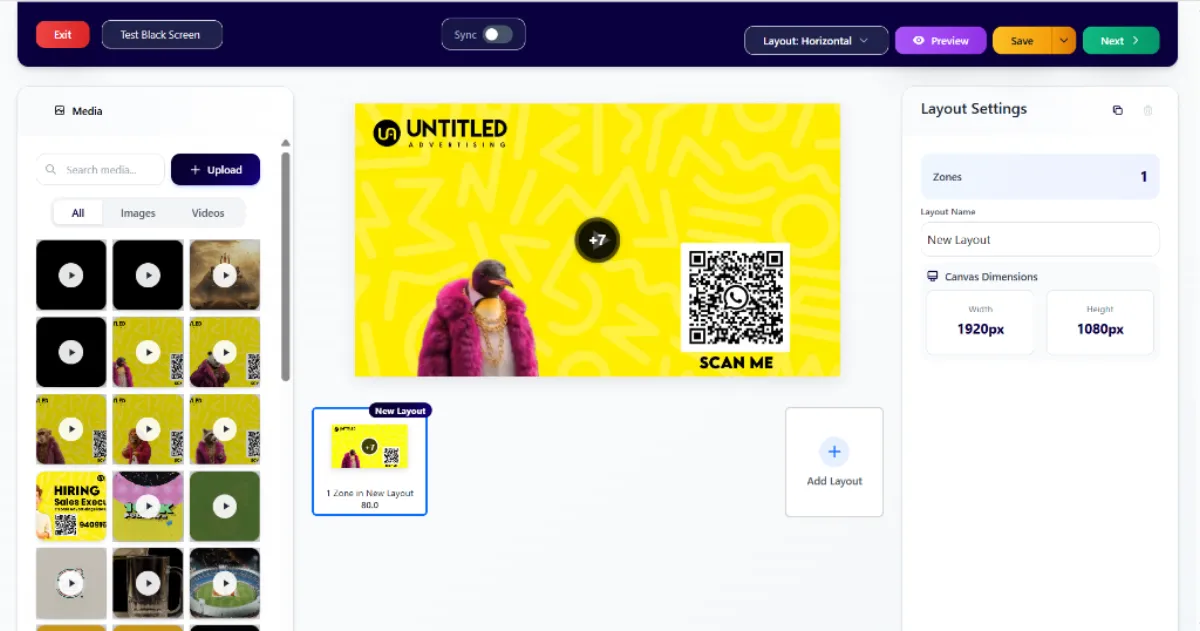
Product evidence
This optimized capture comes from the current aiAdFlux product documentation. It gives operations, marketing, and IT teams a concrete screen to discuss during the rollout.
Compare all solution categoriesIndia rollout estimator
Adjust 2–5 CMS licences and the AI Camera count to see an indicative monthly software subtotal. Bulk orders are quoted separately.
Software estimate only. The ₹199 bulk rate is not applied here because order eligibility and minimum quantity must be confirmed with sales. Taxes, displays, players, cameras, connectivity, installation, and custom work are excluded.
Buyer questions
Yes. Compatible screens can be grouped by project, city, sales gallery, or zone while retaining project-specific playlists.
No property inventory or CRM integration is promised here. Availability and pricing must come from the developer's authorised records and can be scoped separately.
Yes. Teams can prepare playlists for defined dates, time windows, weekdays, and selected screen groups.
No. Optional AI vision provides aggregate, non-identifying audience context and does not connect viewers to enquiries, CRM records, or purchase decisions.
₹299 per screen/month for 2–5 licences or ₹199 per screen/month for bulk orders; optional AI Camera ₹799 per camera/month; taxes and hardware excluded.
Related solutions
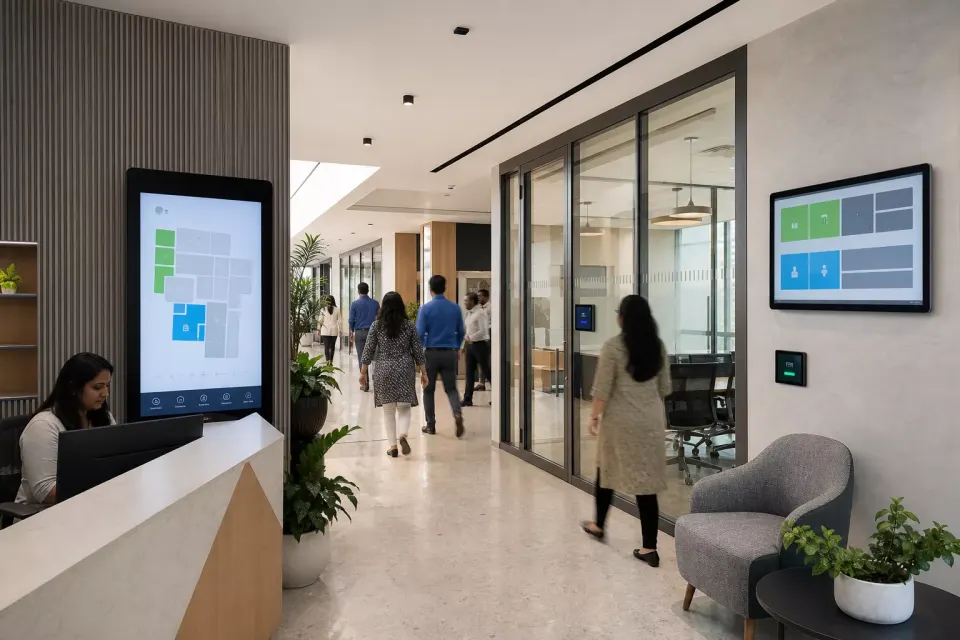
Coordinate approved lobby welcomes, visitor directions, meeting-room messages, employee updates, and culture content across a building or office portfolio.
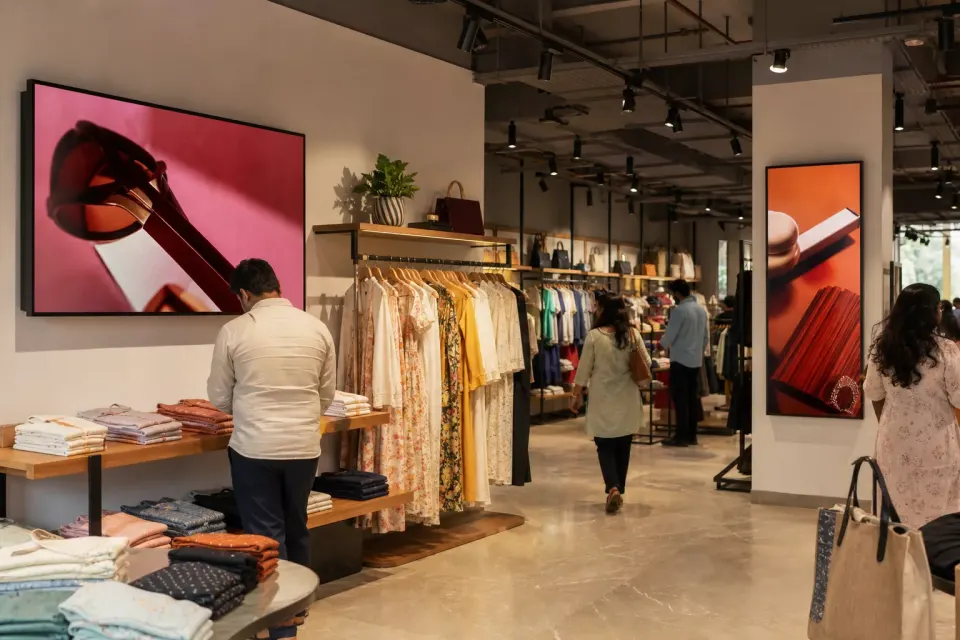
Build approved product stories once, target the right store groups, schedule every offer window, and see whether media reached the screens selected for the campaign.
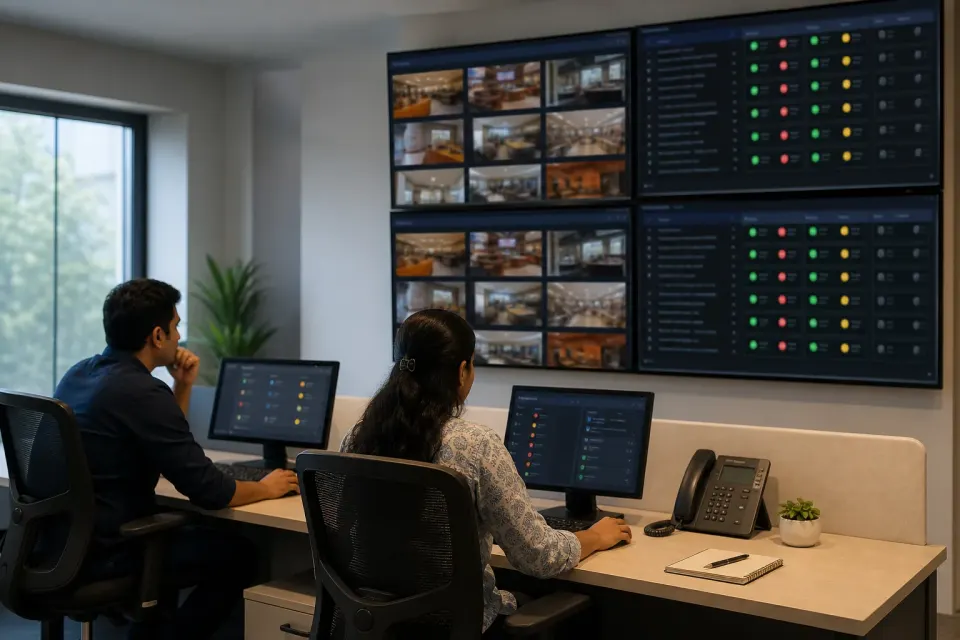
Name, locate, tag, group, schedule, monitor, and report on compatible Android screens across branches, cities, venues, and business units from a central workspace.
Plan an India-first pilot
Bring one location and one campaign brief. We’ll connect the content, screen groups, schedules, playback reporting, and optional AI vision workflow.